ShowingTime for Buyer’s Agents
How do I Schedule a Showing Using ShowingTime?
1. There are several ways you can schedule a showing using ShowingTime within the MLS. Here is an overview of the different ways you can start the process of requesting a showing.
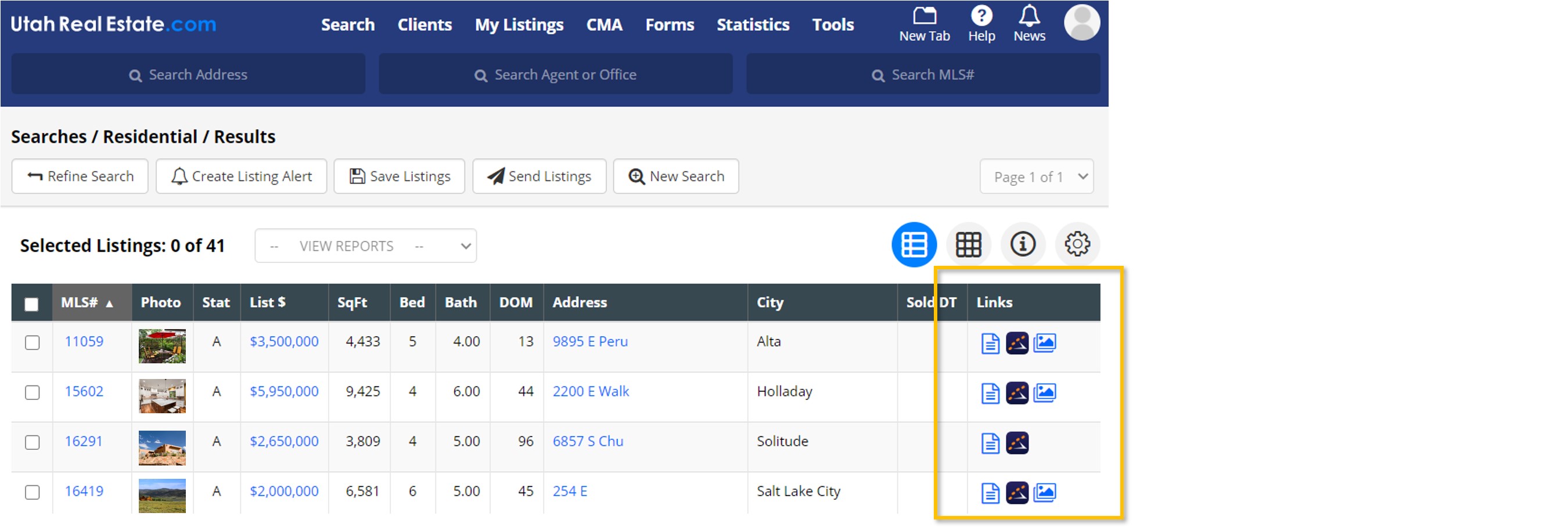
- Search Results Page: If ShowingTime is enabled on a listing, a ShowingTime logo will appear in the Links column on the Search Results page. Simply click the ShowingTime logo.
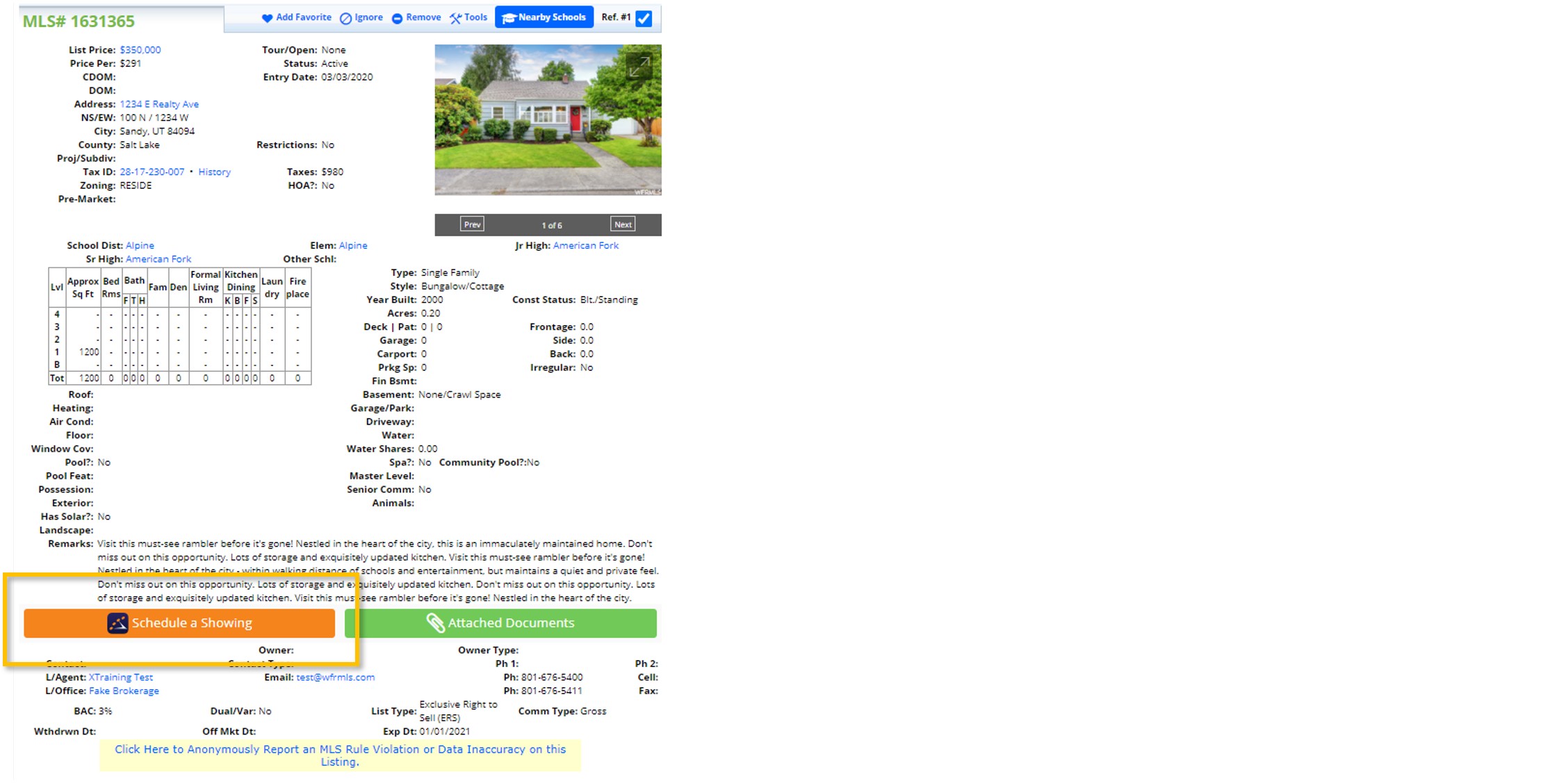
- Agent Full & Medium Reports: Click the Schedule a Showing button that appears on the Agent Full Report and the Agent Medium Report. This button will appear at the bottom of the reports, near the contact information for the listing agent.
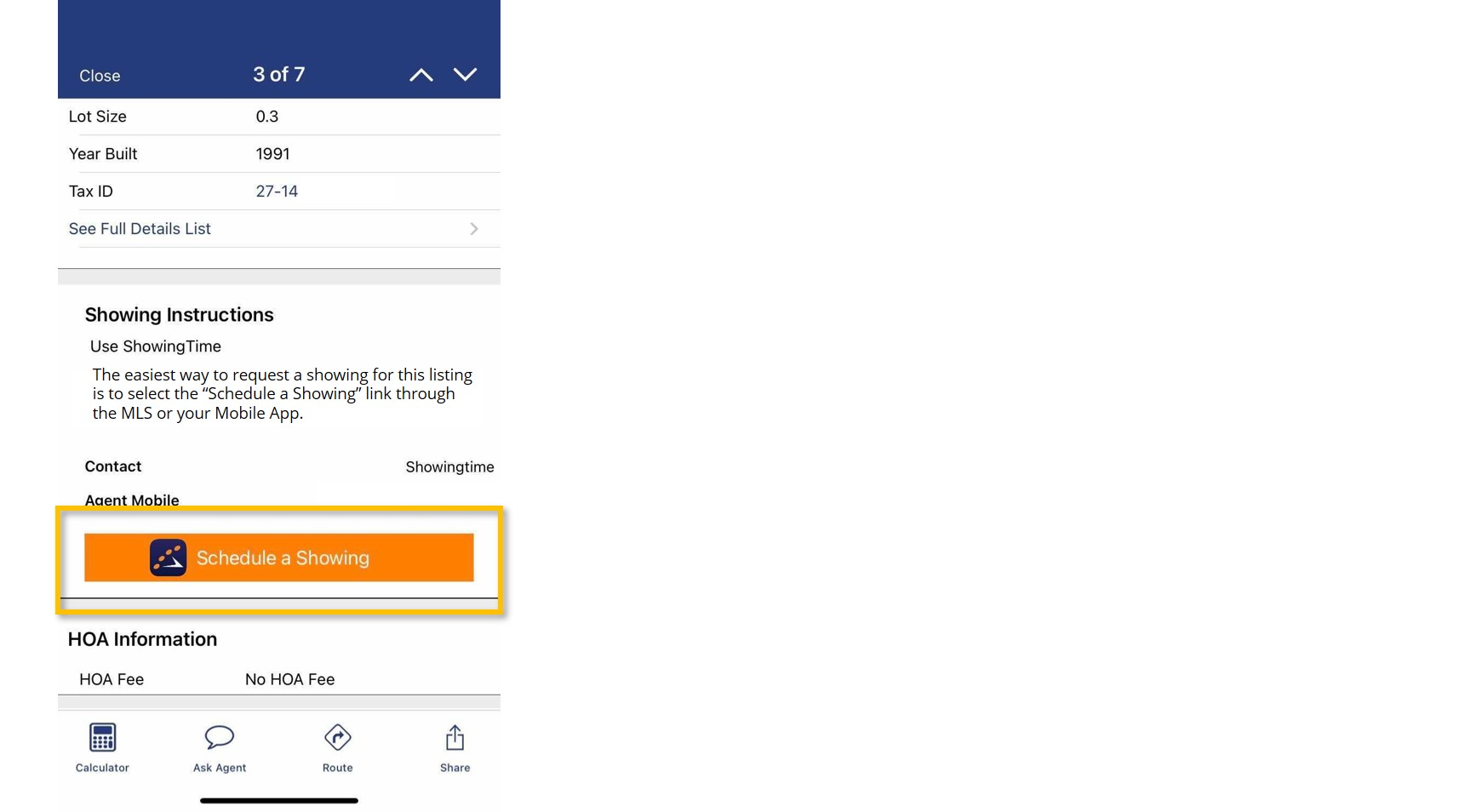
- Mobile Application: When viewing a listing in the mobile app, click the Schedule a Showing option that appears in the Showing Instructions section. Note: You must be logged in to the mobile app in order to see this option.
2. Once the ShowingTime window opens for the listing, confirm how you want to receive notifications regarding your showing request (i.e. whether the request is confirmed or denied). You can receive notification requests by text message, email, or phone call.
3. Click the Agree to the Terms and Conditions checkbox.
4. Click the option that says Schedule Single Showing.
5. Use the calendar to propose a date and time for a showing. All dates and times on the calendar are color coded to indicate the showing availability associated with each date/time. The colors have the following meanings:
- White: You can request a showing during this time.
- Gray: You can request a showing during this time. However, the request is considered short notice.
- Black: The listing is unavailable to be shown at this time.
6. After selecting an available date/time, you will be prompted to enter additional details about your showing request, such as the type of appointment.
7. Finally, select Request Appointment to submit your showing request.
If you need any assistance, please contact us at 801-676-5400 or support@utahrealestate.com.


