How to Create a Property List
The new Property Lists feature on UtahRealEstate.com replaces both the static Saved Listings and Favorite Properties features on the MLS with a new, dynamic way to save listings. You can add and remove listings as desired, and associate different Property Lists with your clients for ease of use.
How Can I Create a Property List?
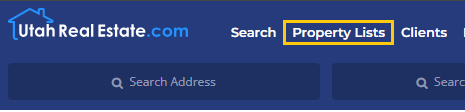
You can create a property list by going to the Property Lists link at the top of UtahRealEstate.com.
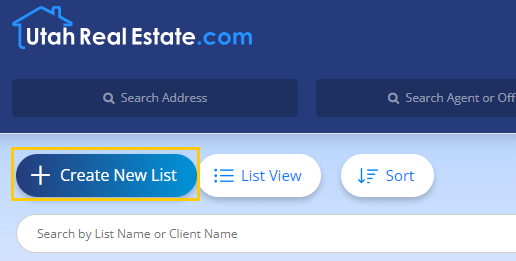
From there, click on Create New List.
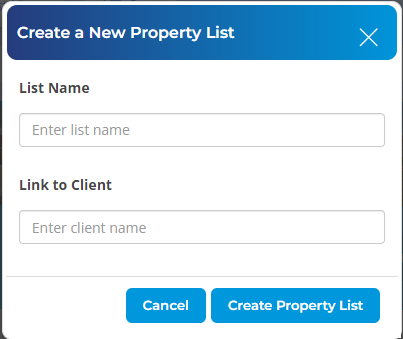
Enter a name for the Property List. You can also associate the Property List with a client or multiple clients, if desired.
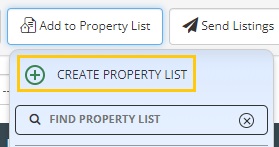
You can also create a Property List throughout the system wherever you see the Add to Property List button (On the Search Results page, on listing reports, etc.). When you click the Add to Property List button, you will see the option to create a new Property List.
If you need any assistance, please contact us at 801-676-5400 or support@utahrealestate.com


