Selecting a Virtual Tour Vendor
How do I Select a Virtual Tour Vendor?
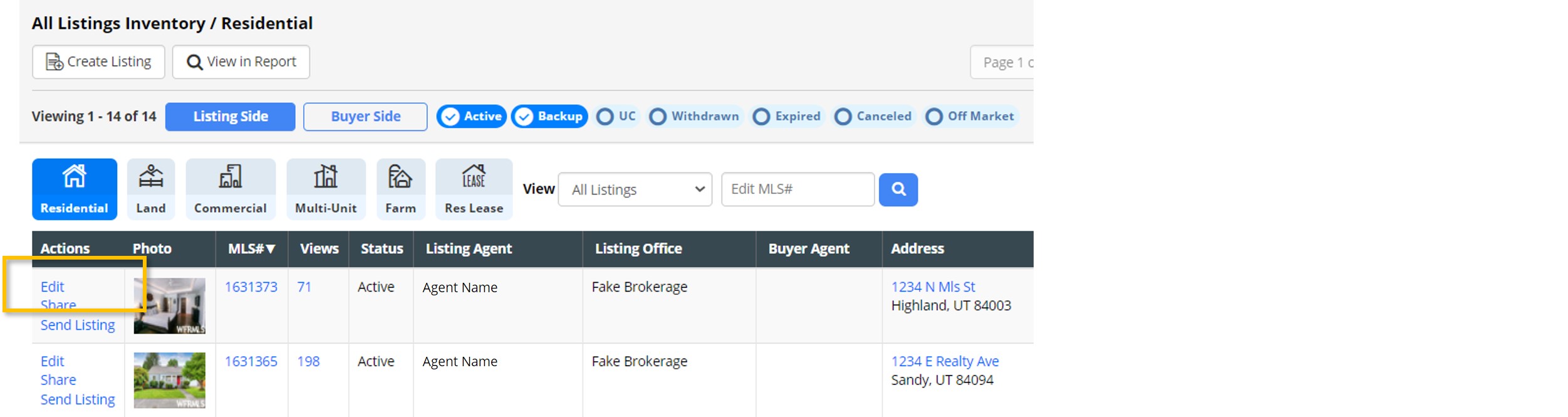
1. Select My Listings from the main navigation menu in the MLS, then the My Listing Inventory option.
2. Select Edit next to the listing on which you would like to add a virtual tour.
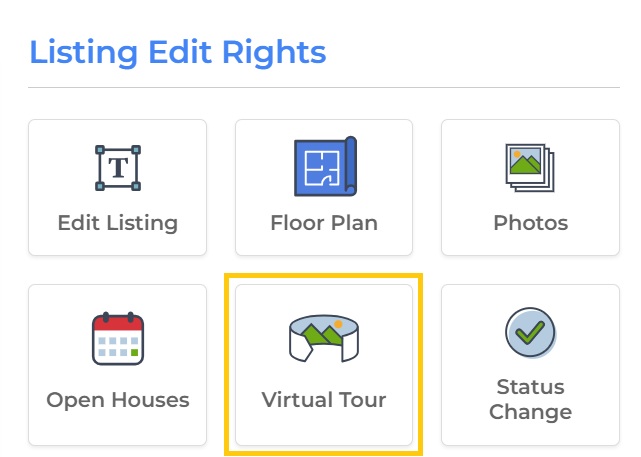
3. Select the Virtual Tour option.
4. In the Vendor section, use the drop-down menu to select your virtual tour vendor.
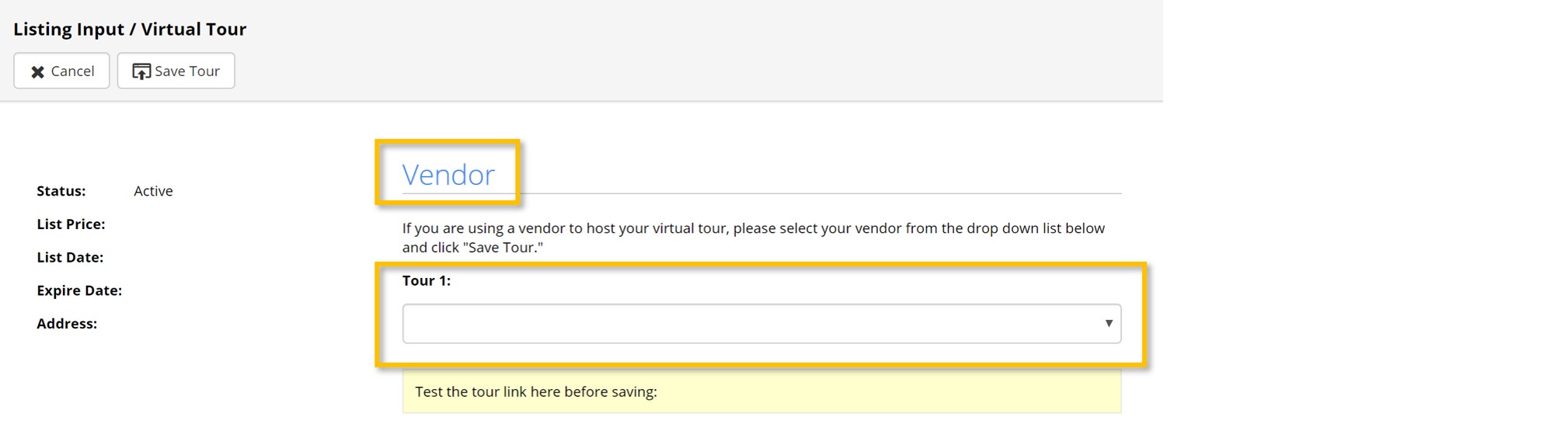
5. Finally, select Save Tour.


