Photo Intelligence Overview
What Are the Features of the New Photo Intelligence Tool?
This new tool uses photo recognition technology to scan listing photos that you upload in the new Photo Intelligence Tool upload section, and will then automatically add a room type, generate a description of each photo, and add photo “tags” based on characteristics identified in the photos.
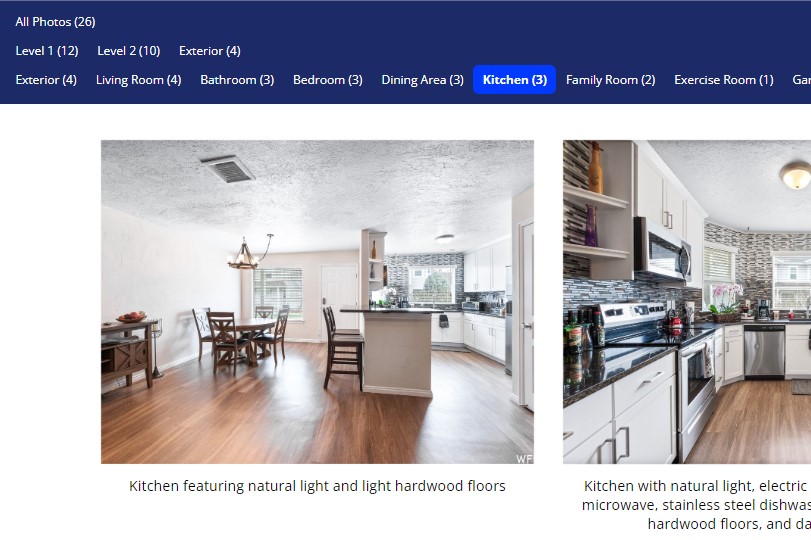
Room Type: Photos are automatically labeled by the room type that is identified by the Photo Intelligence Tool, such as the Kitchen, Bedroom, Laundry Room, etc. This categorization is helpful when viewing photos with our new Photo Viewer, which allows agents and potential homebuyers to quickly select a specific room type and then see all of the photos associated with that room type.
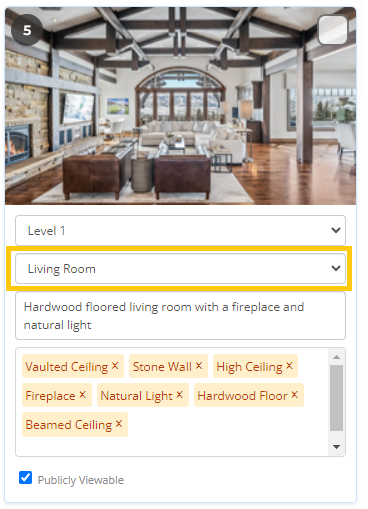
Photo Description: A brief description of each photo is automatically generated based on the characteristics that the Photo Intelligence Tool identifies in each photo. Here is an example: “Living room featuring hardwood floors, vaulted ceiling, and natural light.” This description is shown beneath each photo in the new Photo Viewer, the photo carousel, and on photo reports.
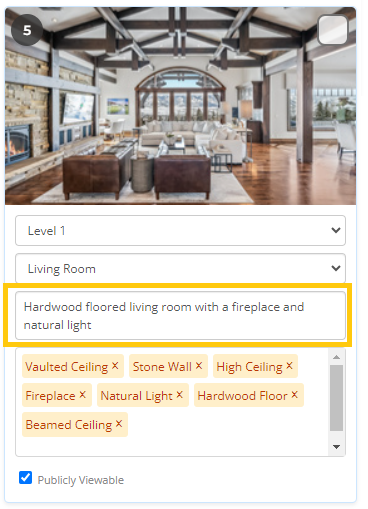
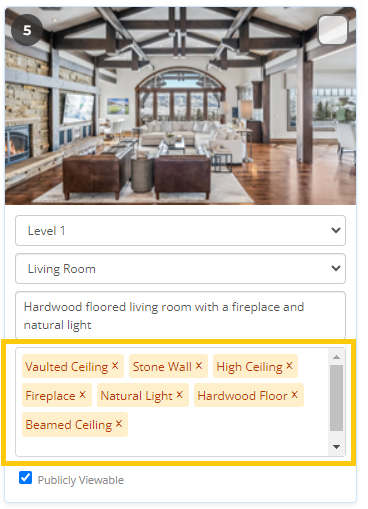
Photo Tags: Photo “tags” or characteristics identified in each photo are also automatically applied, such as “Vaulted ceiling,” “Stone Wall,” “Natural Light,” etc. Users can search for listings and create listing alerts based on certain photo tags through the use of our new Photo Search feature.
Location: Our Photo Intelligence tool does not automatically identify the location of each photo. However, we encourage you to manually add this information to each photo using the “Choose Location” dropdown menu, as this will convey to other agents and potential buyers whether an image is located on the 1st level, exterior, basement, etc. Location is also a filter option that can be used with our new Photo Viewer, which allows users to quickly select a location and view all photos associated with that location. For example, show all photos located in the Basement, Exterior, etc.
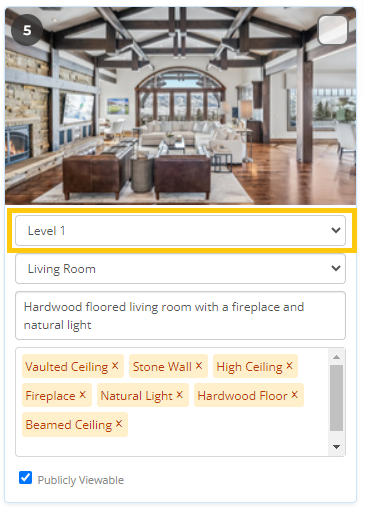
Note: It’s important to know than any information automatically applied to your photos by the Photo Intelligence Tool can be corrected or manually overridden by you at any time. We always recommend reviewing each photo after using the Photo Intelligence Tool to verify that the information now associated with your photos is accurate.
How Do I Use the New Photo Intelligence Tool?
The Photo Intelligence is automatically applied to all newly uploaded photos. The tool will select a room type, add a description of each photo, and add relevant photo tags.
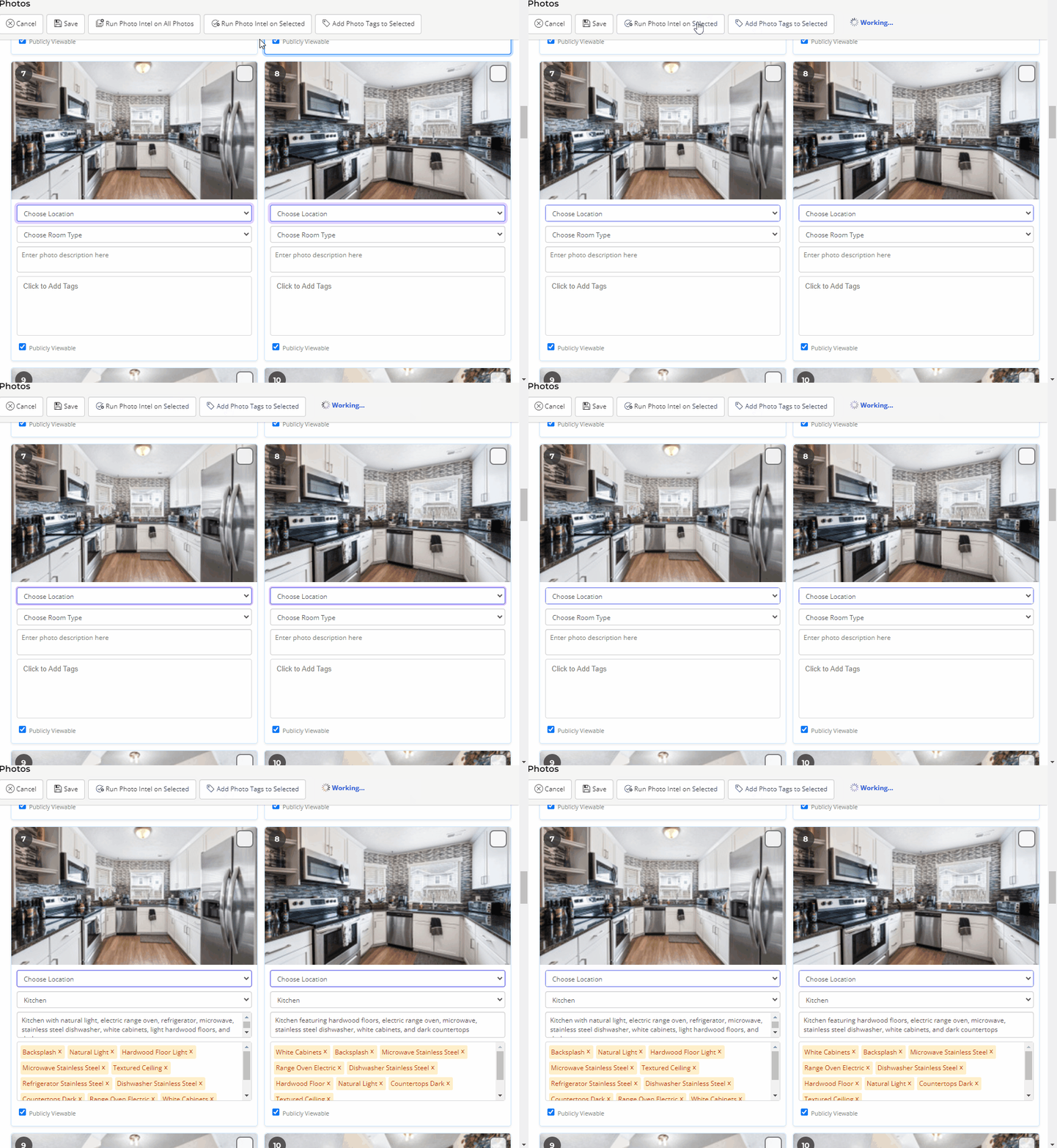
Once the Photo Intel is completed, please take a moment to review and update (if needed) the room type, descriptions and/or photo tags that have been applied to your photos.
We also highly encourage you to manually select the Location of each photo (Level 1-3, Basement Level 1-3, Exterior, or Community), which allows agents and potential homebuyers to quickly sort the photos they want to view by location and/or room type.