How to Clear Generated Photo Descriptions
Multiple photo descriptions can be removed at the same time by clicking the checkbox at the top right corner of one or more photo tile(s) and selecting the “Remove Descriptions” button on the Action Toolbar.
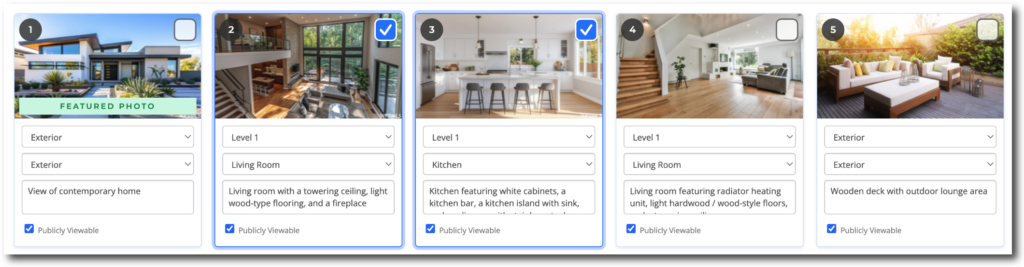

To clear all listing descriptions, click the “Select All” checkbox found on the right side of the Action Toolbar. Once all photos are selected, click the “Remove Descriptions” button at the top of the page.



