How to Add Photos to a Listing
How do I add Photos to a Listing?
Photos can be added to a listing during initial listing input or by editing an existing listing and choosing the Photos edit option.
Photo Upload Page During Listing Input:
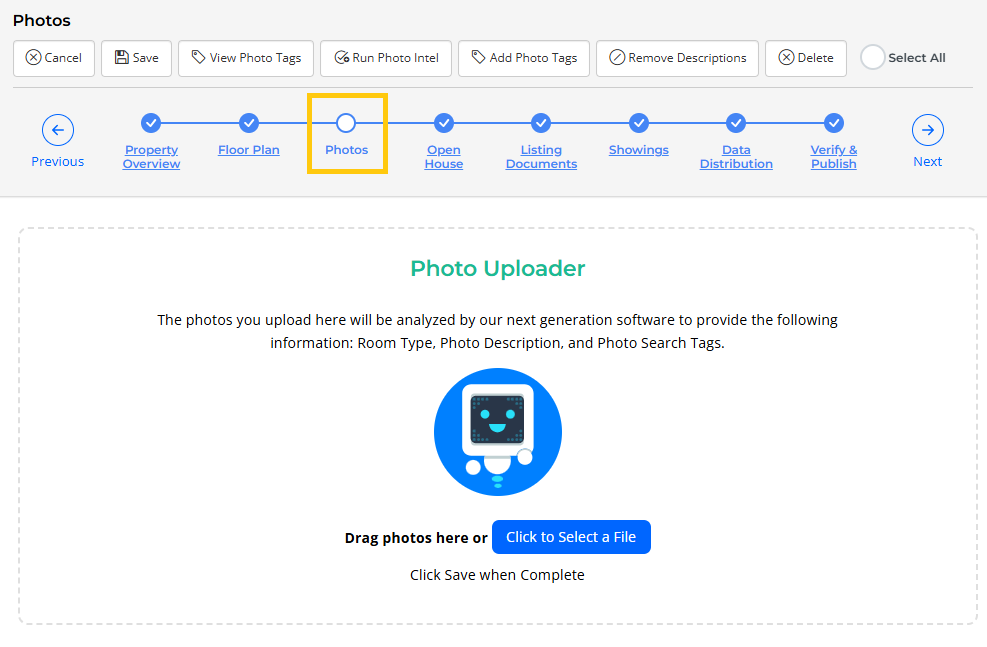
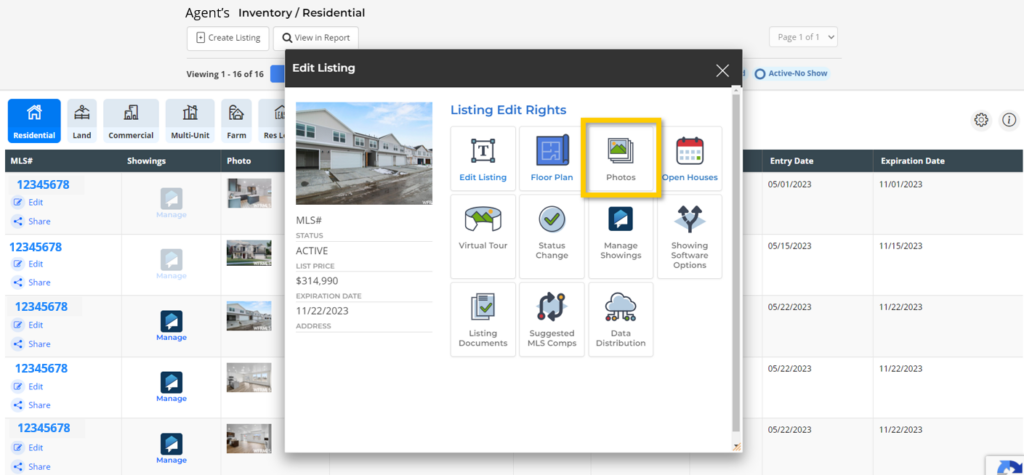
Photo Edit Option on Existing Listing:
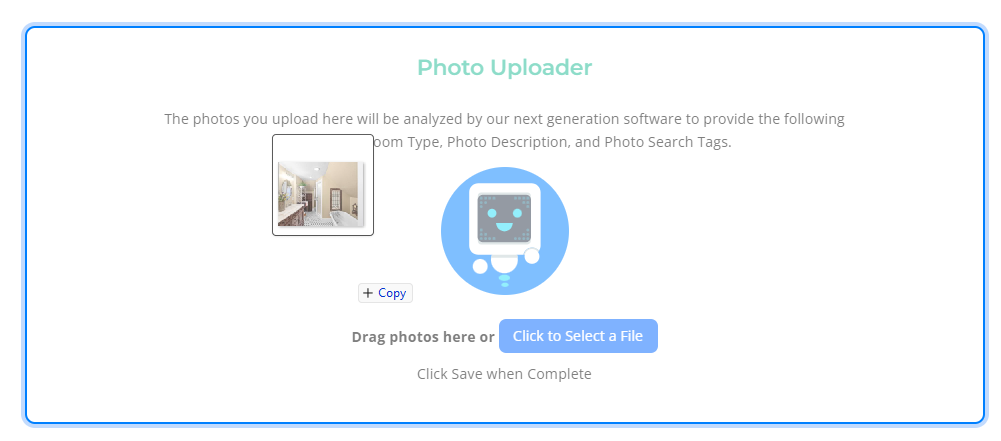
From the Photo Maintenance page, you can drag and drop photos from your computer into the Photo Uploader section:
Alternatively, you can use the Select a File option in order to locate the photos on your computer, as seen here:
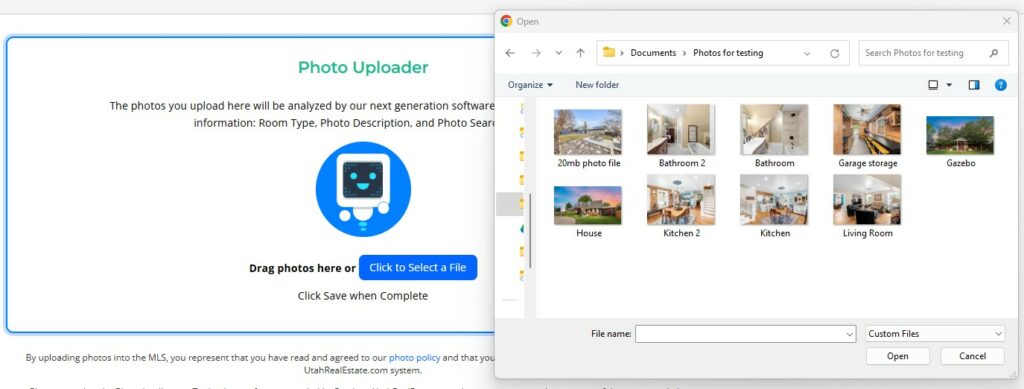
Tip: Supported File Types include JPG, PNG, and GIF. Photos must be under 20mb in size (for each photo).


