Using the Mortgage Calculator
Where can I Find the Mortgage Calculator?
There are several ways to access the Mortgage Calculator. The Mortgage calculator can be found under the Tools tab in the MLS and under Mortgage Calculator on the public website. Additionally, the Mortgage Calculator can be opened by clicking on the price of a listing.

How do I use the Mortgage Calculator?
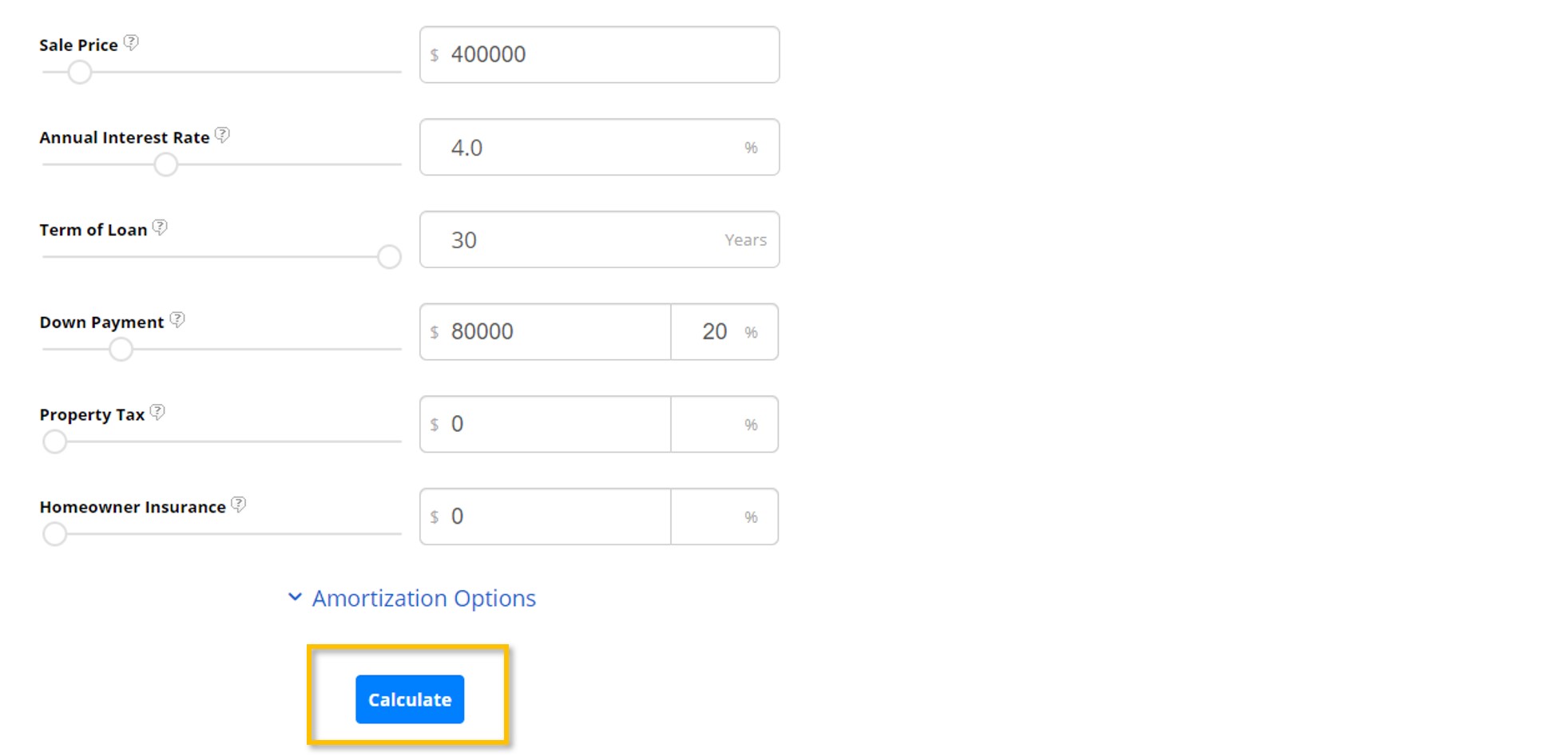
Enter the appropriate information in each of the designated fields, or use the sliders to adjust the values.
After everything has been entered, select Calculate. The monthly payment will be displayed at the top of the graph. The graph also breaks down the monthly payment by Principal and Interest (P&I), Taxes, and Insurance. Additionally, more detailed results will be shown in the graphs and tables at the bottom of the page.
If you need any assistance, please contact us at 801-676-5400 or support@utahrealestate.com.


