Listing Input Permissions for Agents
What are Listing Input Permissions?
Listing Input Permissions determine every MLS user’s ability to add, publish, and edit listings on the MLS. These permissions are always determined by the head broker of each office (the Branch Broker or Principal Broker). Listing Input Permissions range from low-level permissions (such as the ability to Edit and Manage Open Houses Only on your own listings) to the highest-level permissions possible (which is the ability to enter, publish, edit, and manage every listing across an entire company without restrictions).
How do I Know What Listing Input Permissions I Have?
Follow the steps below to quickly and easily view the Listing Input Permissions granted by your broker.
- When logged-in to the MLS, Navigate to the My Listings Tab in the main menu
- Select any link within the My Listings Tab (such as My Listing Inventory)
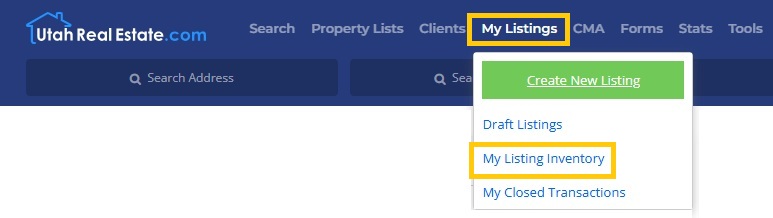
- In the Upper-Right-Hand corner of the page, locate and select the Information Icon. This will show a message explaining your unique Listing Input Permissions
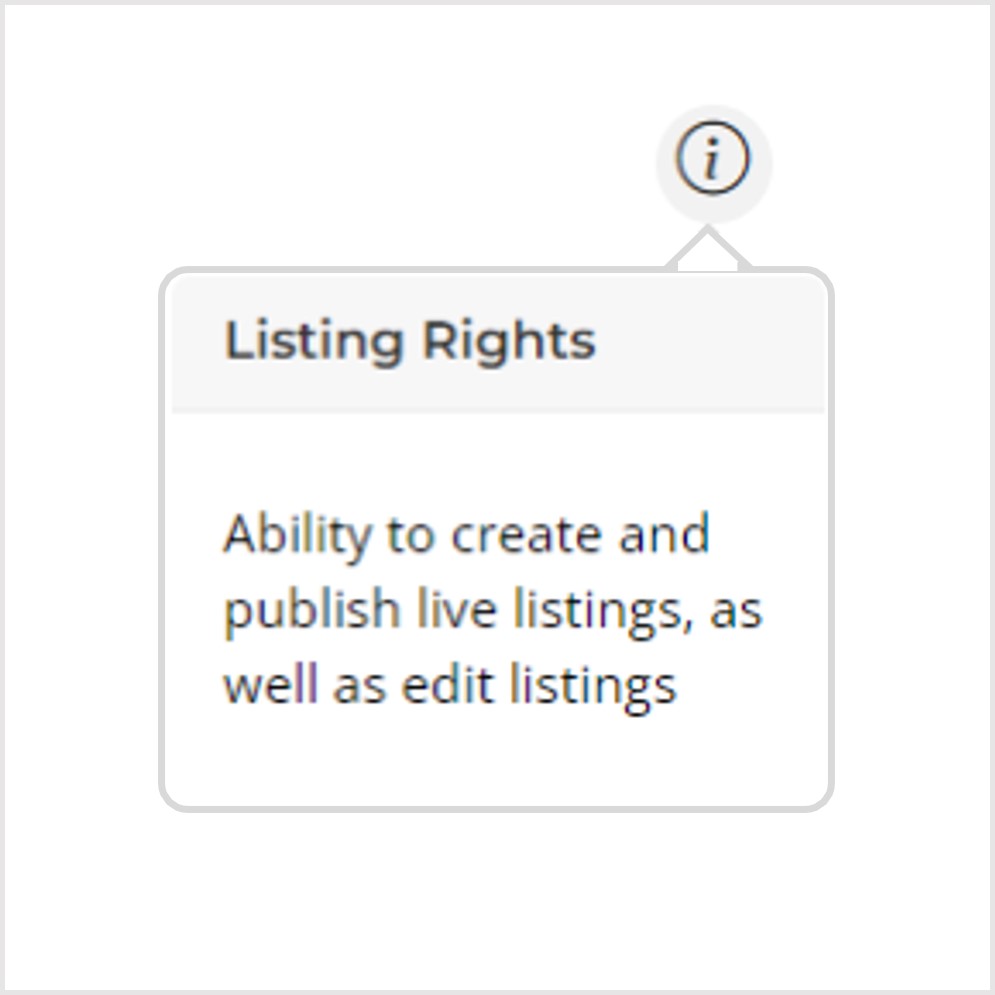
Note: Because Listing Input Permissions are always determined by head broker of each office, we recommend reaching out to your broker to request changes to your Listing Input Permissions.


