Quick Guide to Data Distribution Settings
Where can I Find the Data Distribution Settings on a Listing?
Data Distribution settings can be added to a listing during initial listing input or by editing an existing listing and choosing the Data Distribution option.

What Are the Data Distribution Options?
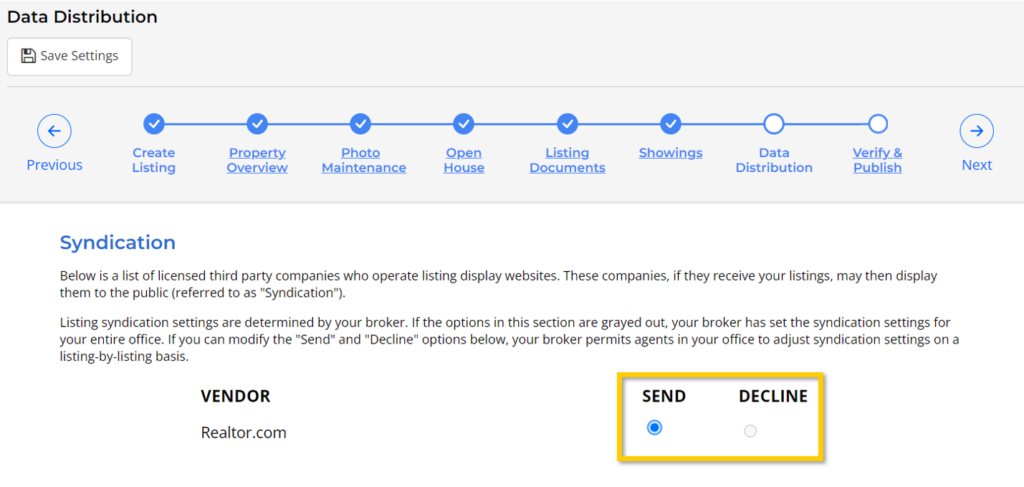
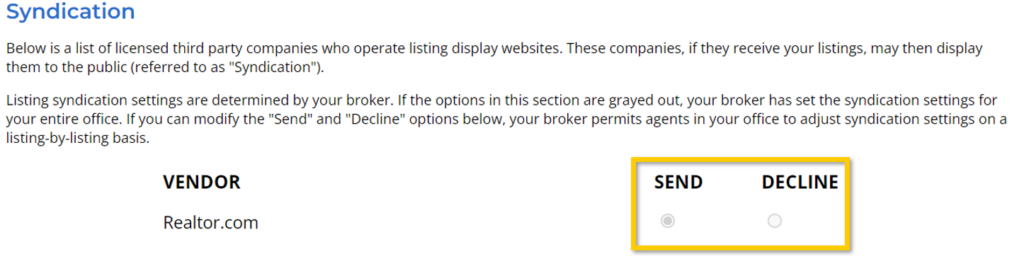
Syndication is when listings are sent to licensed third-party companies who operate listing display websites. These companies, if they receive your listings, may then display them to the public.
IDX and VOW are listing distribution components of the MLS that are provided to you so you can display property listings on your website. It is a fundamental part of the MLS’s cooperation amongst members.
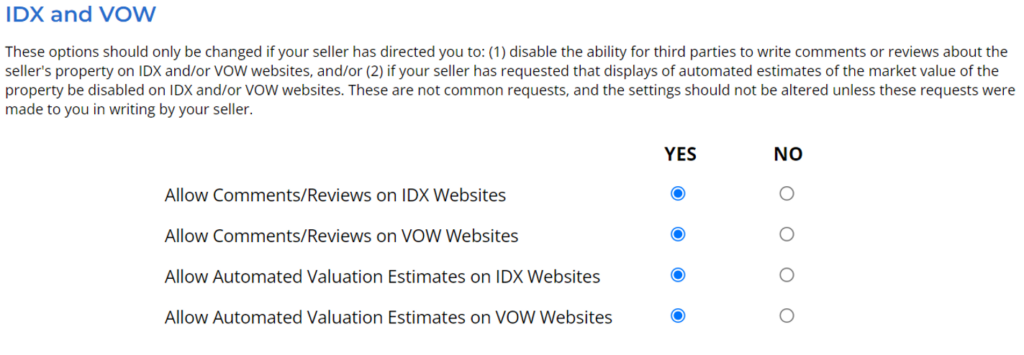
We have provided a list of options for your listings to govern their display in IDX/VOW. These options should only be changed if:
- Your seller has directed you to disable the ability for third parties to write comments or reviews about the seller’s property on IDX and/or VOW websites
- Your seller has requested that displays of automated estimates of the market value of their property be disabled on IDX and/or VOW websites.
Neither of these are common requests, and the above settings should not be altered unless these requests were made to you in writing by your seller.
General Public Availability options will restrict how a listing is displayed on public websites, including broker/agent IDX websites, UtahRealEstate.com, and third-party syndication websites (collectively referred to as “Public Websites”). These options do not affect how this property is displayed within the MLS system to other MLS members.
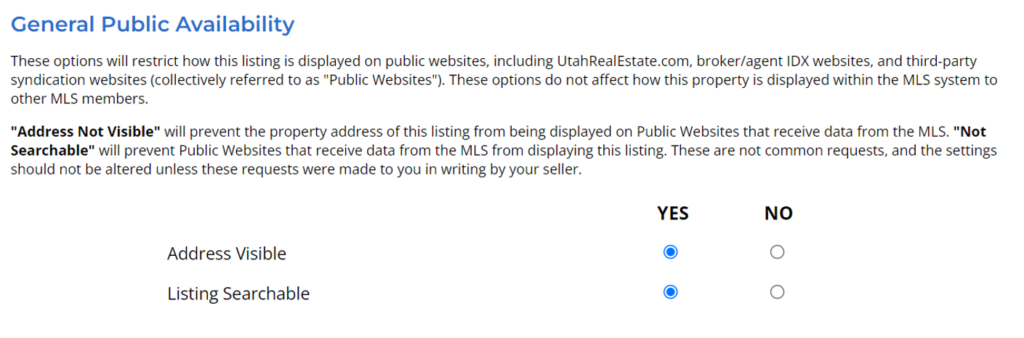
- Selecting “No” on the Address Visible line, will prevent the property address of this listing from being displayed on Public Websites that receive data from the MLS.
- Selecting “No” on the Listing Searchable line, will prevent Public Websites that receive data from the MLS from displaying this listing.
These are not common requests, and these settings should not be altered unless these requests were made to you in writing by your seller.
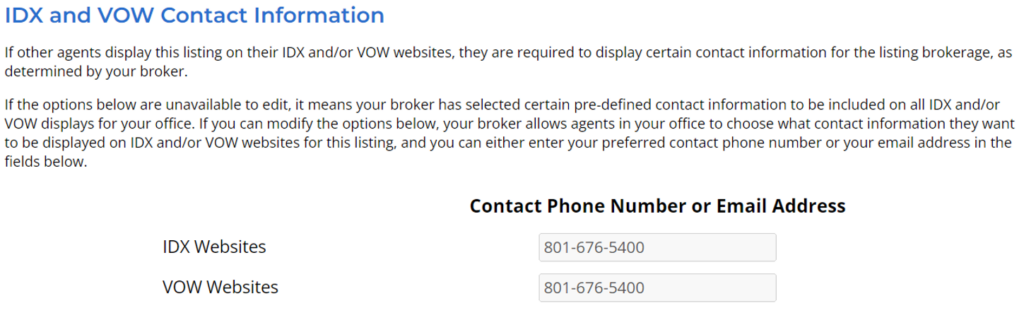
IDX and VOW Contact Information options will determine what contact information is required to be displayed when the listing is displayed on other brokers’ and agents’ business websites (IDX and VOW). Please know you will only be able to edit this information if your broker allows agents to choose what contact information should be displayed along with the listing when the listing appears on other broker and agent websites.
Why Can’t I Change the Syndication Settings on my Listing?
Listing syndication settings are determined by your broker. If the options in this section are grayed out, your broker has set the syndication settings for your entire office. If you can modify the ‘Send’ and ‘Decline’ options, it means your broker has given you permission to adjust the syndication settings on a listing by listing basis.
If you need any assistance, please contact us at 801-676-5400 or support@utahrealestate.com.


