SkySlope Forms Mobile App for iOS
Overview
The SkySlope Forms mobile app for iPhone is available in the App Store for iOS devices. Some key feature of the app include:
- Create and prepare forms for signature by accessing the entire Utah Association of REALTORS and UtahRealEstate.com administrative forms libraries
- Auto-Fill forms with listing data from the MLS
- Send forms for e-signature and track the signature status of previously sent forms
- Integrated with the SkySlope desktop product, so you can access transactions/files previously created on the desktop product
SkySlope Forms Mobile App for Android Coming Soon!
Downloading the SkySlope Forms Mobile App
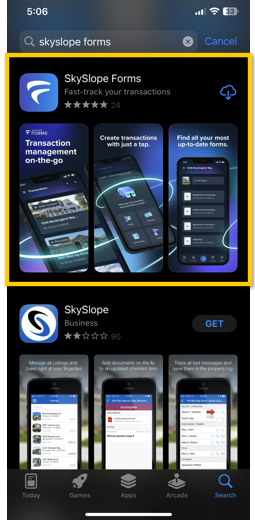
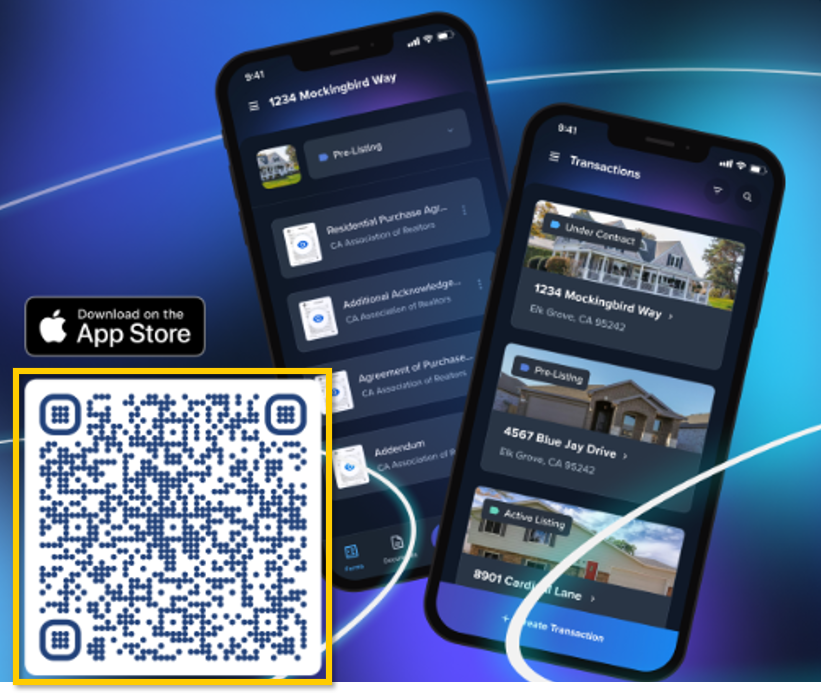
To download the app, you can search for “SkySlope Forms” in the App Store, or you can simply scan the QR code provided in the image below.
Logging In to the SkySlope Forms Mobile App
1. Download the App (instructions above)
2. Open the app and select Login

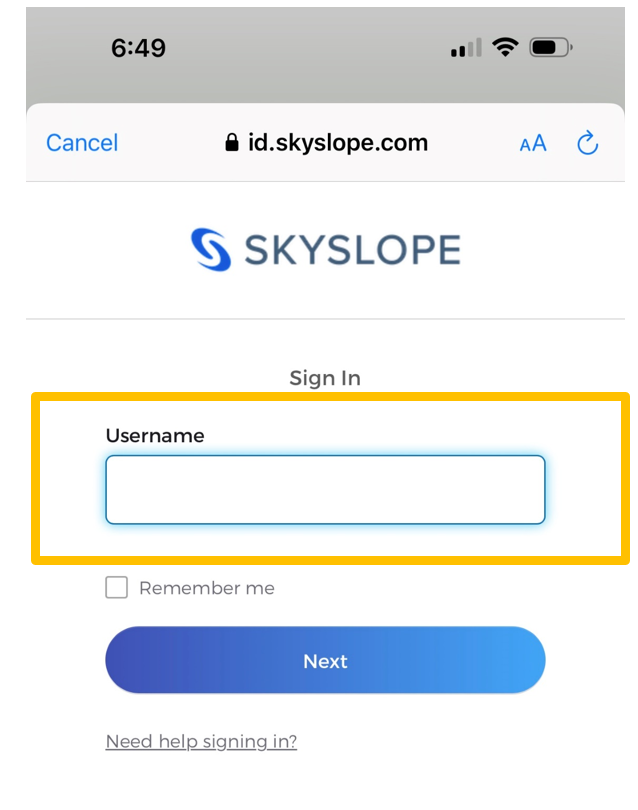
3. You will be asked to enter a Username, which is the email address associated with your UtahRealEstate.com MLS account.
Note: You can see what email is associated with your MLS account by logging in to UtahRealEstate.com, clicking the profile icon in the upper right corner, selecting Account settings, and selecting the “Profile” option
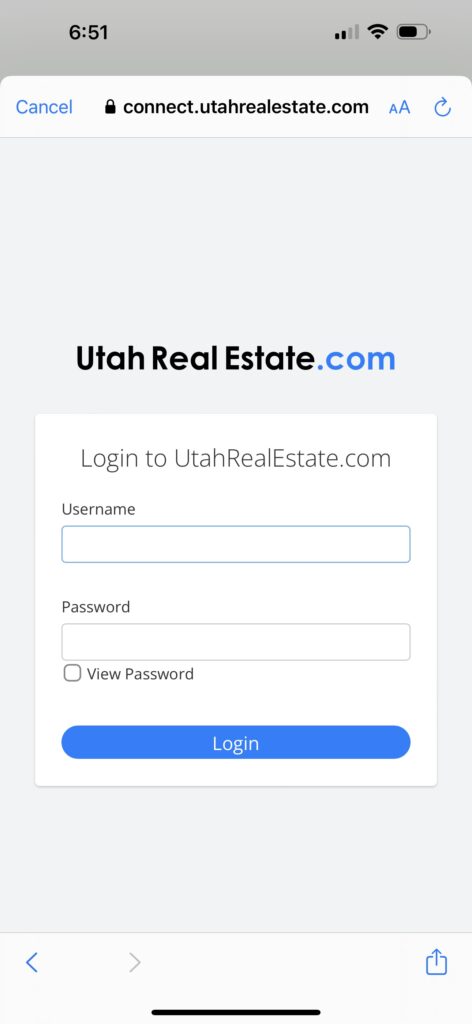
4. Last, you will be prompted to enter the login information you use to login to UtahRealEstate.com, then select Login.