Editing Forms Packets
How do I Edit My Saved Forms?
1. Select My Saved Forms under the Forms tab.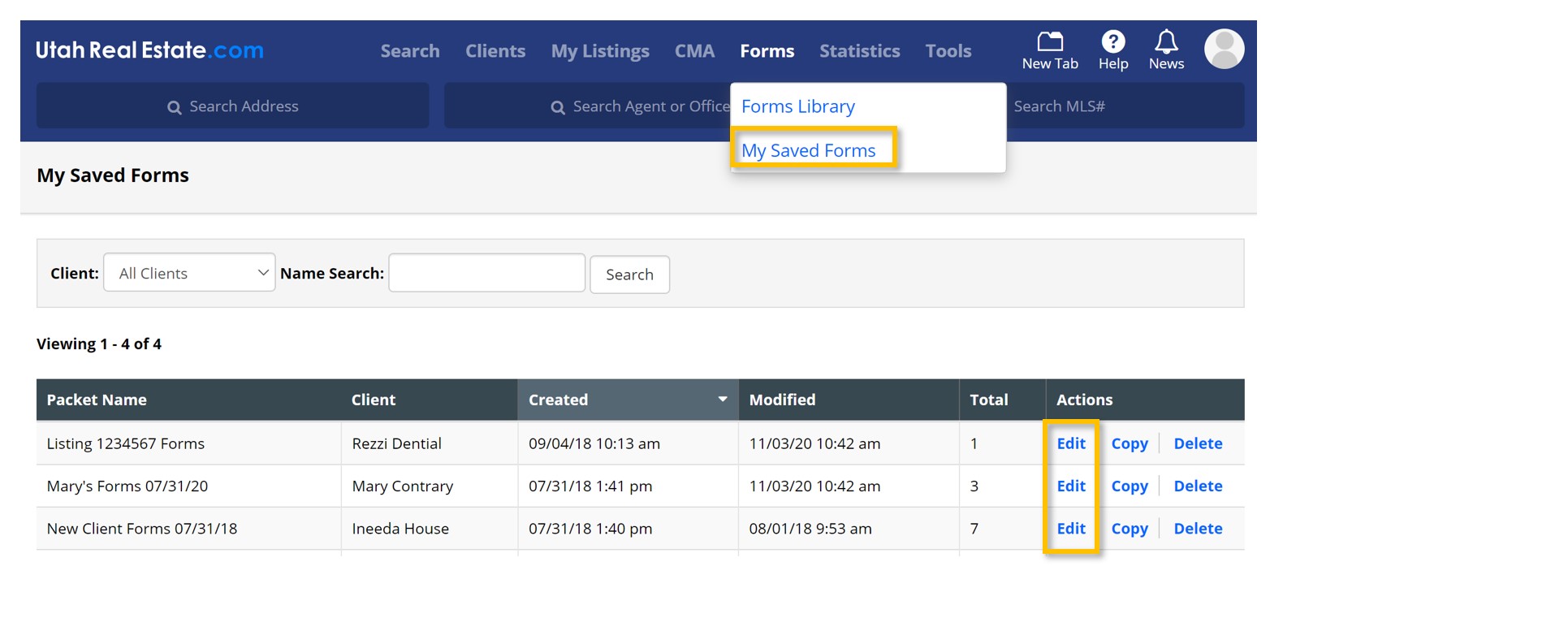
2. Find the Forms Packet you would like to edit, and select Edit under the Actions column. This link will also allow you to view your saved forms. Also under the Actions column, is the ability to Copy your forms packets or Delete them entirely.
3. Make your changes to the Forms Packet.
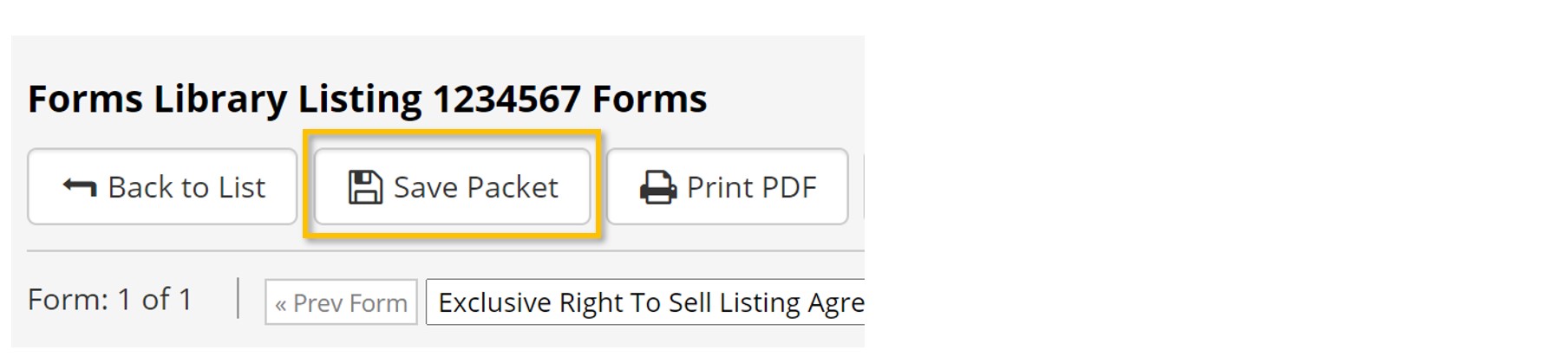
4. Don’t forget to Save Packet.
What Edits Can I Make to My Saved Forms?
Inside the Forms Packet, use the menu options to print or email the packet, add or remove individual forms within the packet, edit the packet details (such as the name) or reset all selected radios in every form of the packet.
Use Auto Populate Forms to auto-fill listing information, agent details, and pre-fill information required multiple times throughout the forms in your packet. How do I View My Saved Forms?
The Edit link under the Actions column is not just for making changes to your Forms Packets. Edit also allows you to simply view your saved forms and form packets.


