Export Contacts from the MLS Client Manager
How do I Export Contacts from my MLS Client Manager?
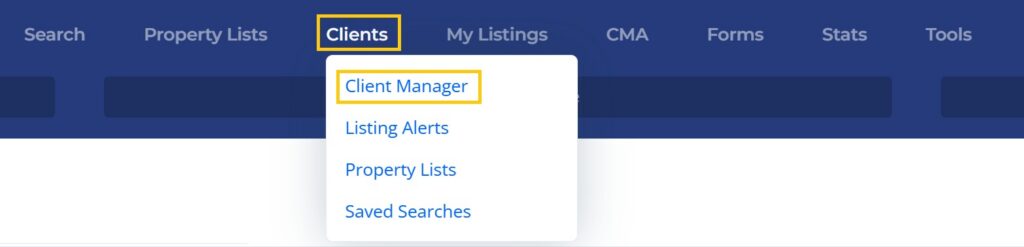
1. Click on the Clients option from the main navigation menu in the MLS, then select Client Manager.
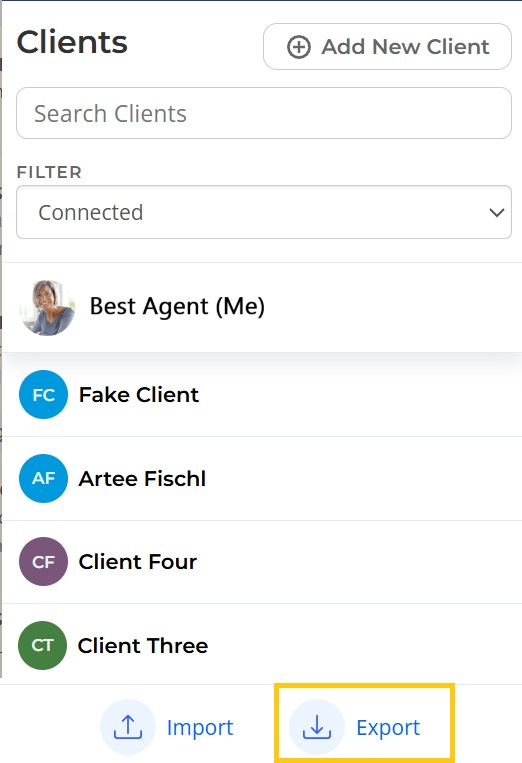
3. Select Export at the bottom left. This will download a CSV file that contains all of your clients.