Introduction to Remine
What is Remine?
Remine is one of several UtahRealEstate.com Member Products, so it is free with your MLS Membership. Remine is a prospect mining and lead generation tool. Agents use Remine to find potential opportunities based on massive amounts of data collected about properties, property owners, and property residents.
How do I Access my Free Remine Account?
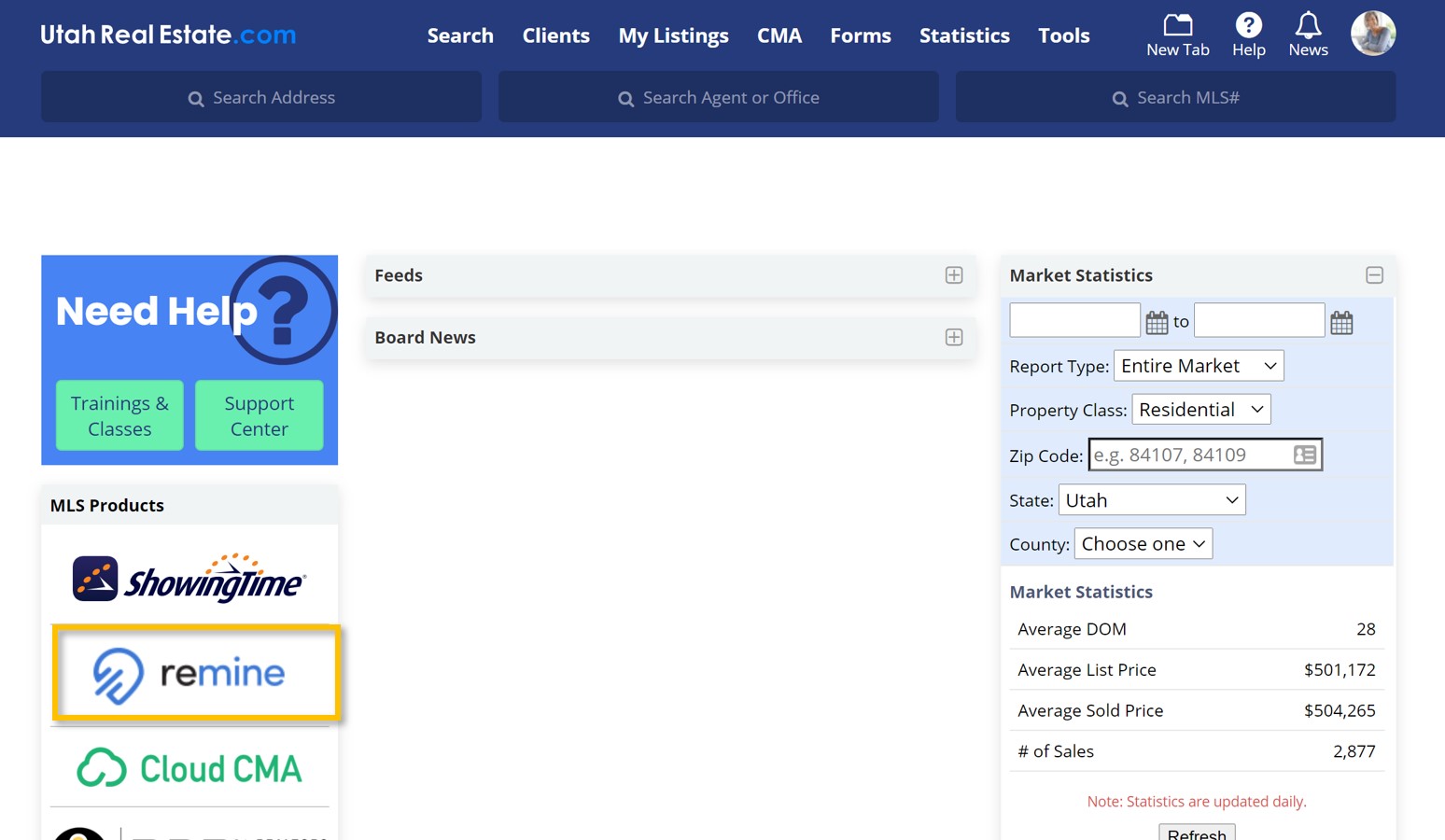
Select the Remine logo from your MLS Dashboard.
How do I Start Using Remine?
The most valuable features of Remine are Search and Carts. Search is where you will identify potential opportunities, while Carts (formerly known as Track) is where you will act on those opportunities.
1. Begin by selecting Search from the navigation menu located on the left-hand side of the page.
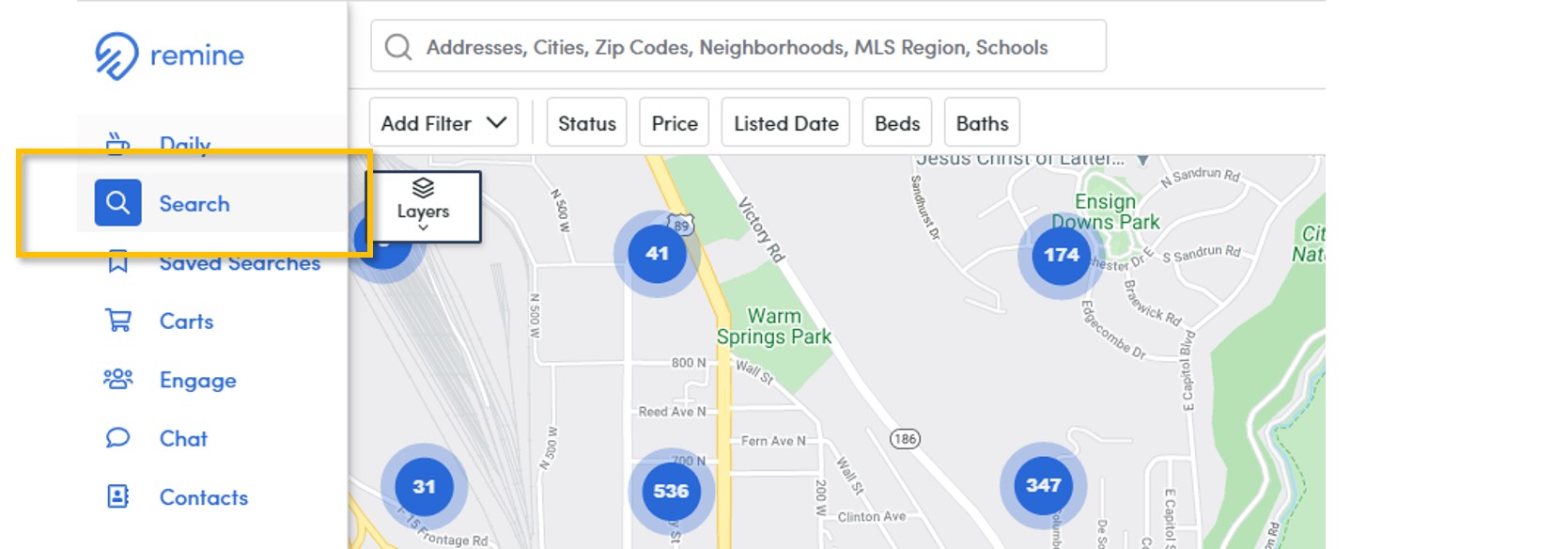
2. Use the search bar located at the top of the page to search by zip code, city, address, or property owner’s name.

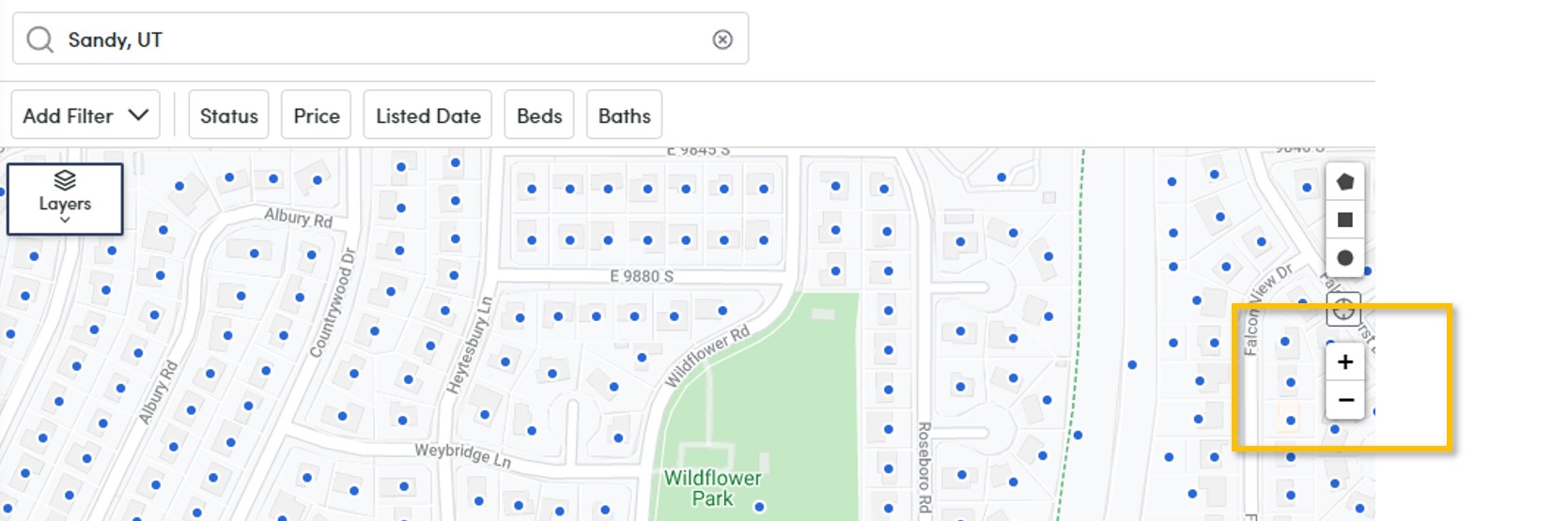
3. Use the zoom tool located on the right-hand side of the search map to zoom in (+) until you can see individual parcels. Each parcel is represented by a small blue dot.
4. Once individual parcels are in view, open Layers from the upper left-hand corner of the map.
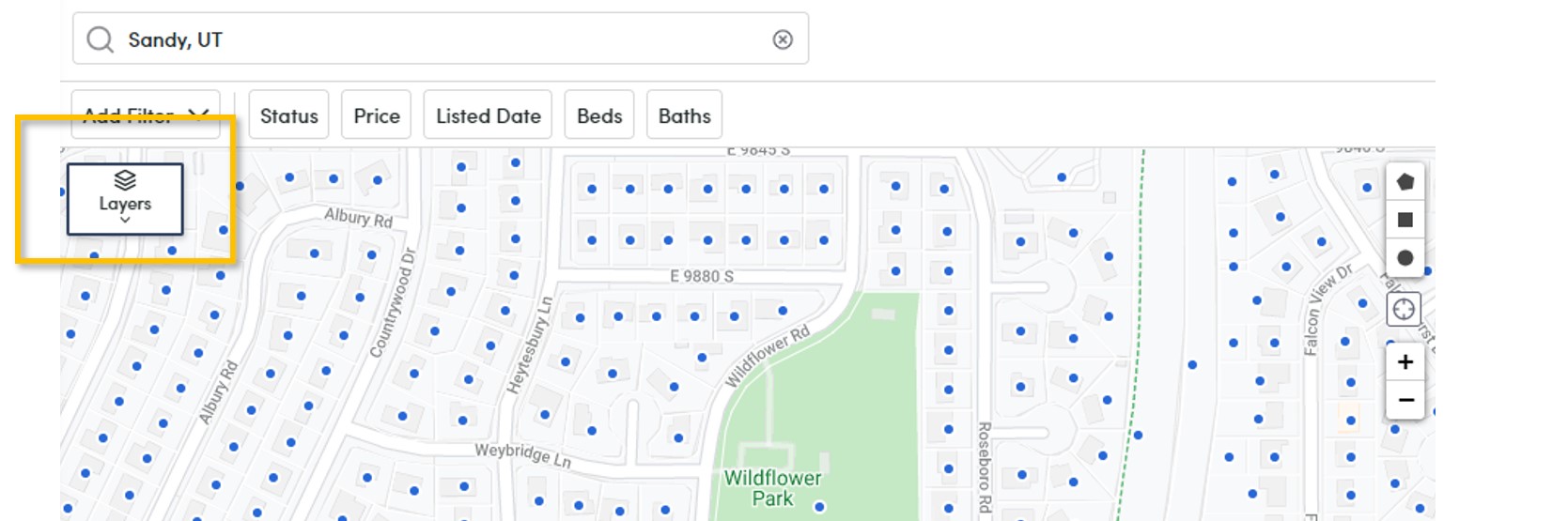
Map Layers can be used to learn property facts, such as how long the properties have been owned, as well as to filter properties based on those facts. Map Layers included in the Remine Starter plan are:
- Ownership Time
- Sell Score
- Building Type
- Land Use
- Airbnb
- Mortgage Rate
- Mortgage Age
- Last Sale Price
- and Cash Buyers
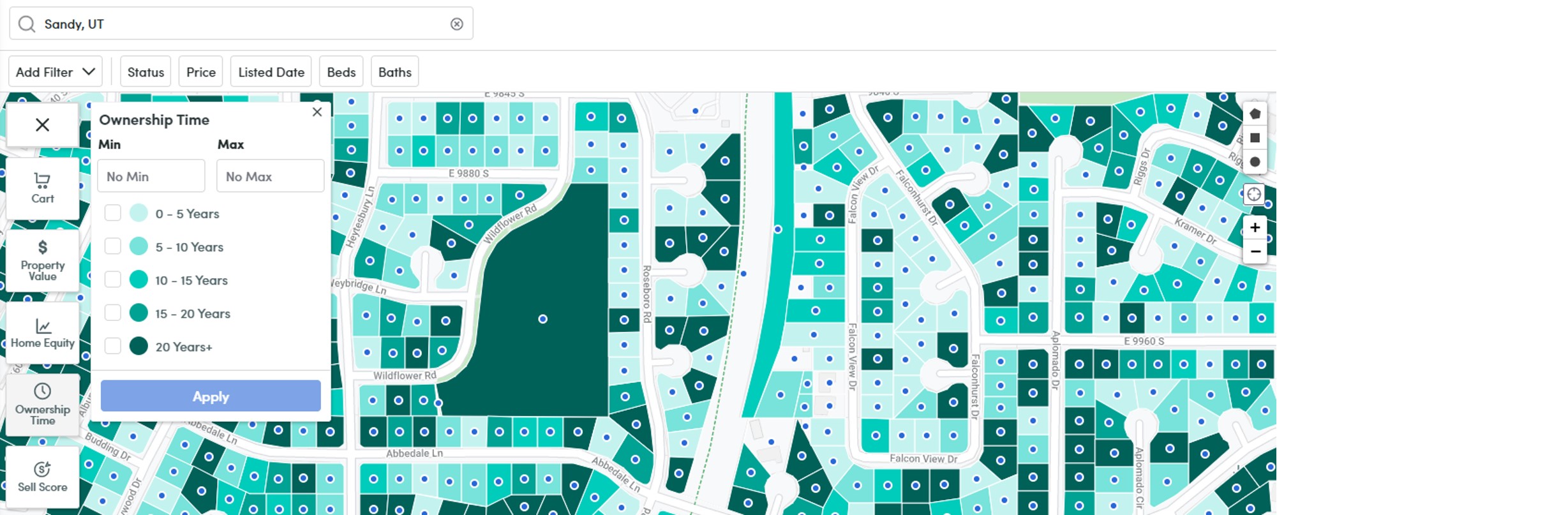
Tip: Map Layers can be used as search filters by selecting the map layer of your choice (which will color-code the map display) and then entering a range. Once the range is chosen, select Apply.
Note: Not all Map Layers are available in the Remine Starter plan. However, property facts not accessible via Map Layer are still available on individual Property Cards.
5. Learn more about individual properties by opening the Property Cards found on the right-hand side of the map.
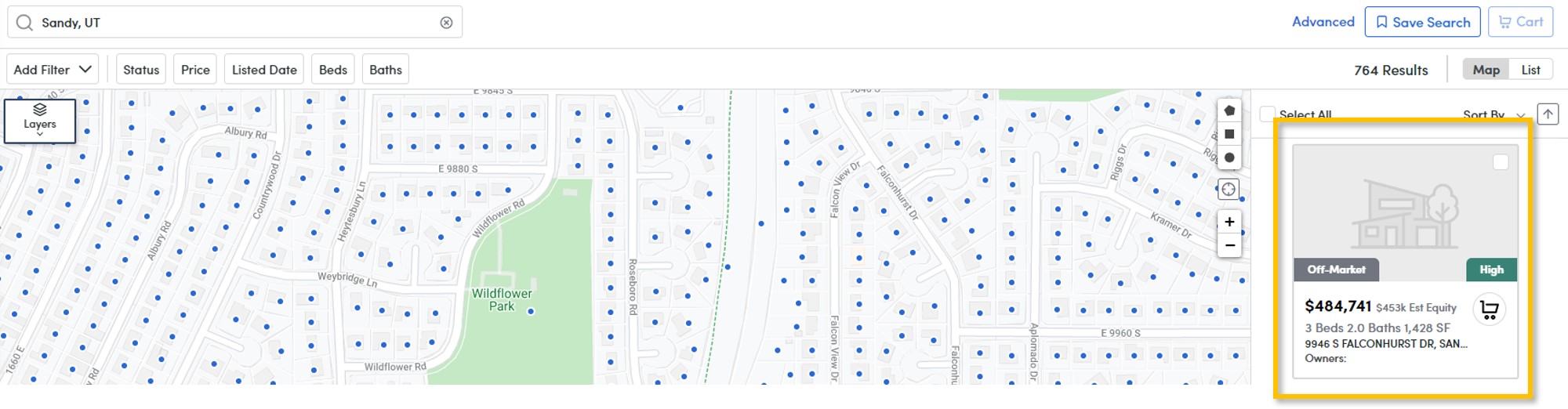
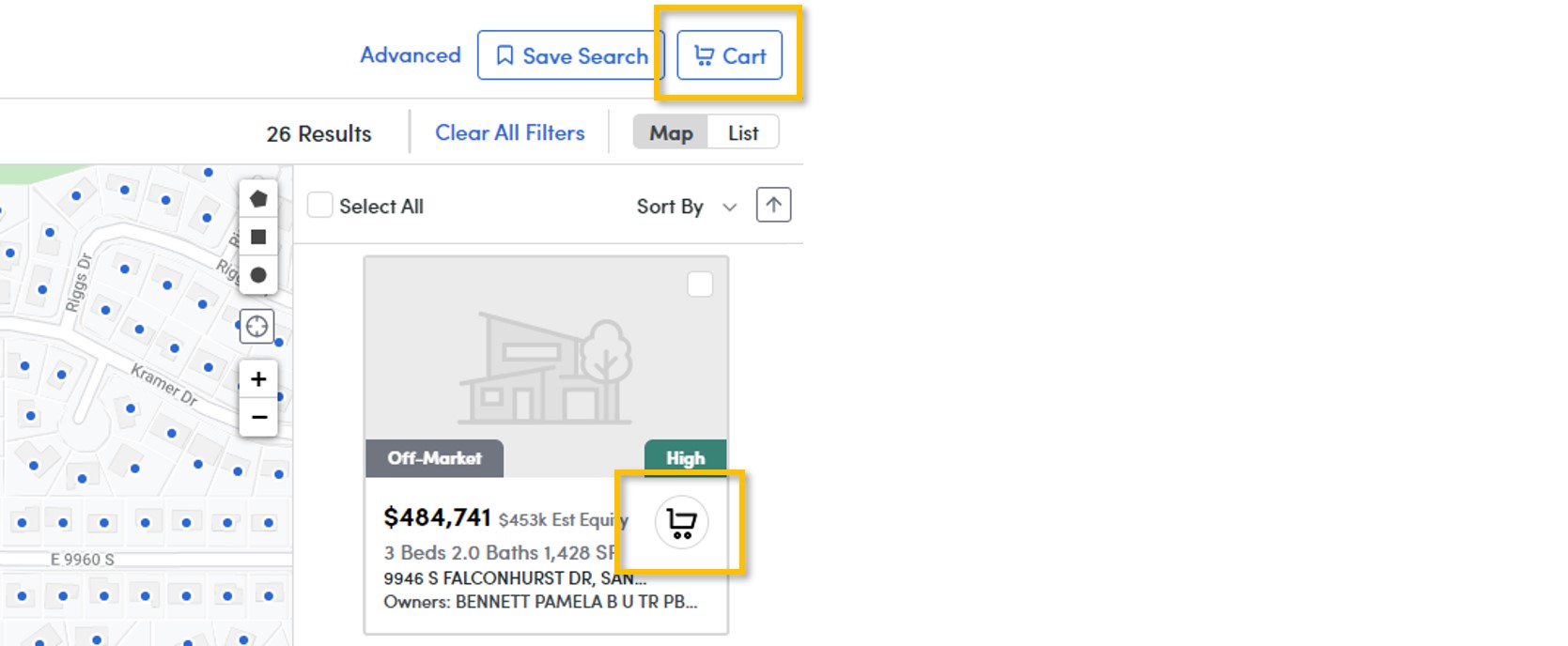
6. Finally, once you have identified one (or several) potential opportunities, add the property/properties to a Cart.
What Can I Do With Remine Carts?
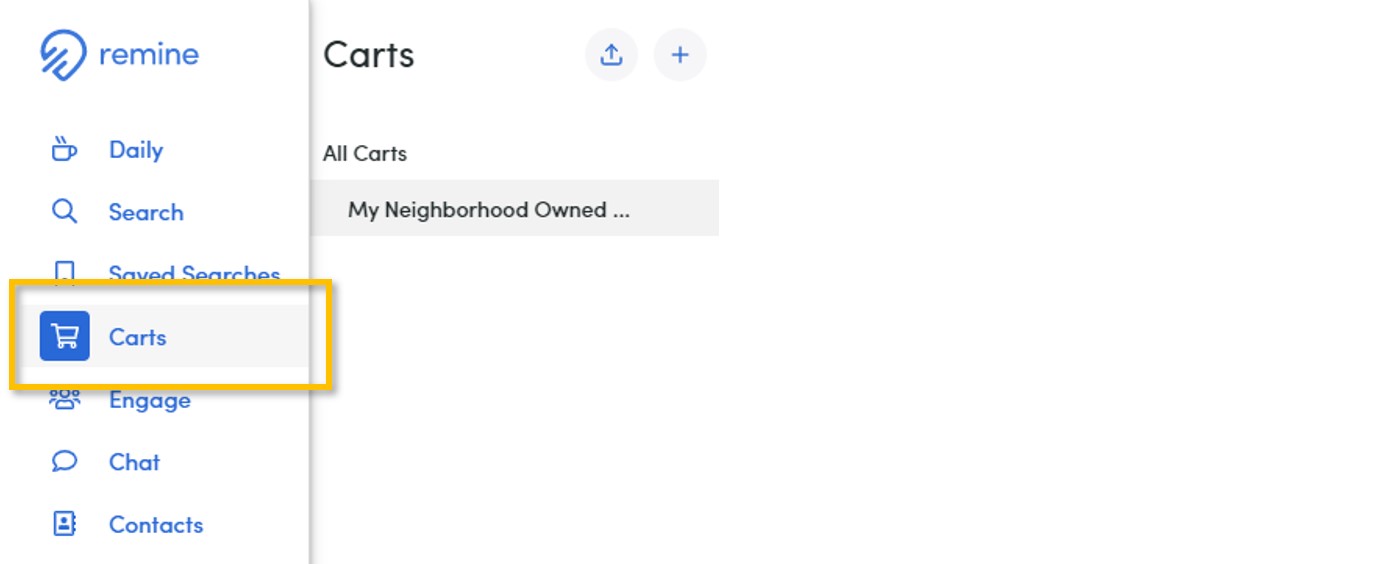
Remine Carts (formerly known as Track) is how you can collect properties together to perform various tasks including tracking properties for updates (such as mortgage changes), printing mailing labels, and exporting property details. Learn more about printing mailing labels in Remine here.
If you need any assistance, please contact us at 801-676-5400 or support@utahrealestate.com.


