Amazon Alexa Skill for UtahRealEstate.com
How do I Set Up the UtahRealEstate.com Amazon Alexa Skill?
Step 1. To set up the Alexa Skill, you will need to go to the Alexa app on your device. Under the More menu option, select Skills & Games, then search for UtahRealEstate.com.
Step 2. Next, click on Enable To Use (Android Devices) or Launch (Apple Devices).
How do I Use the UtahRealEstate.com Amazon Alexa Skill?
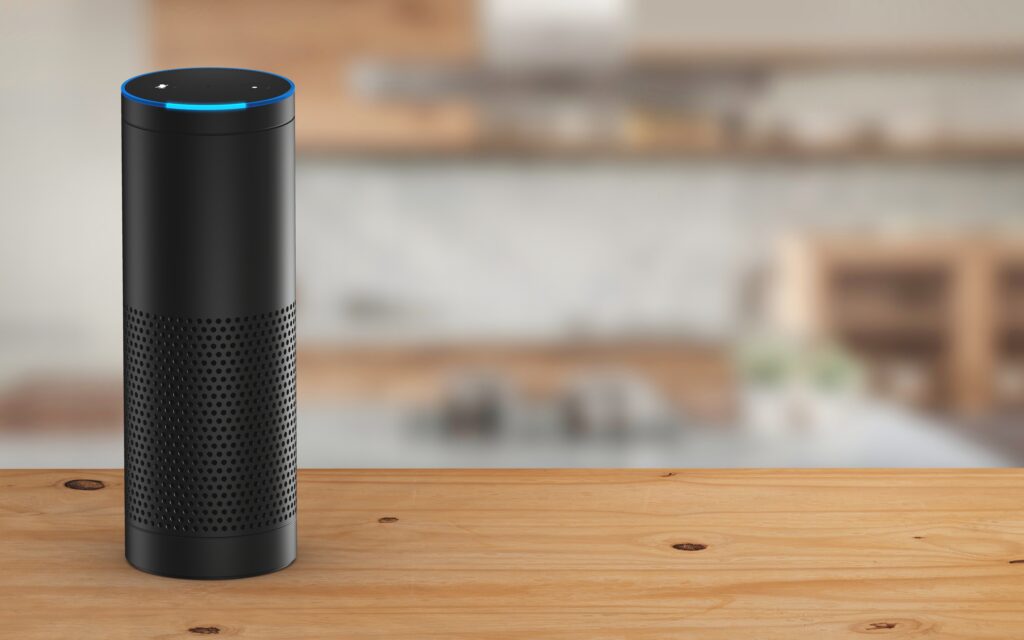
Tell your Alexa-Enabled devices, “Alexa, start Utah Real Estate.” Once started, you can say things like:
- “Listings, in the city of Sandy”
- “Listings in zip code 84057”
- “Listings in South Ogden for the past fourteen days”
Alexa will then tell you the total number of listings that match your search. To hear information about each property, say the word “details”.
Properties will also be visually displayed if the device is screen-enabled.
If you need any assistance, please contact us at 801-676-5400 or support@utahrealestate.com.


