Searching for Historical Listings
How Many Years of Listing Data are Searchable in the MLS?
All MLS history is searchable. The UtahRealEstate.com MLS began digitally collecting listing data in 1996.
How Do I Search Historical Data?
Choose the status(es) you would like to search. When searching Sold, Expired, or Canceled listings, the corresponding date fields will auto-populate a search range of one year. Adjust the corresponding date fields to change the date range(s) of your search.
Note: when searching Active, Backup, or Under Contract statuses, all listings in the database are searched with no time frame limit.
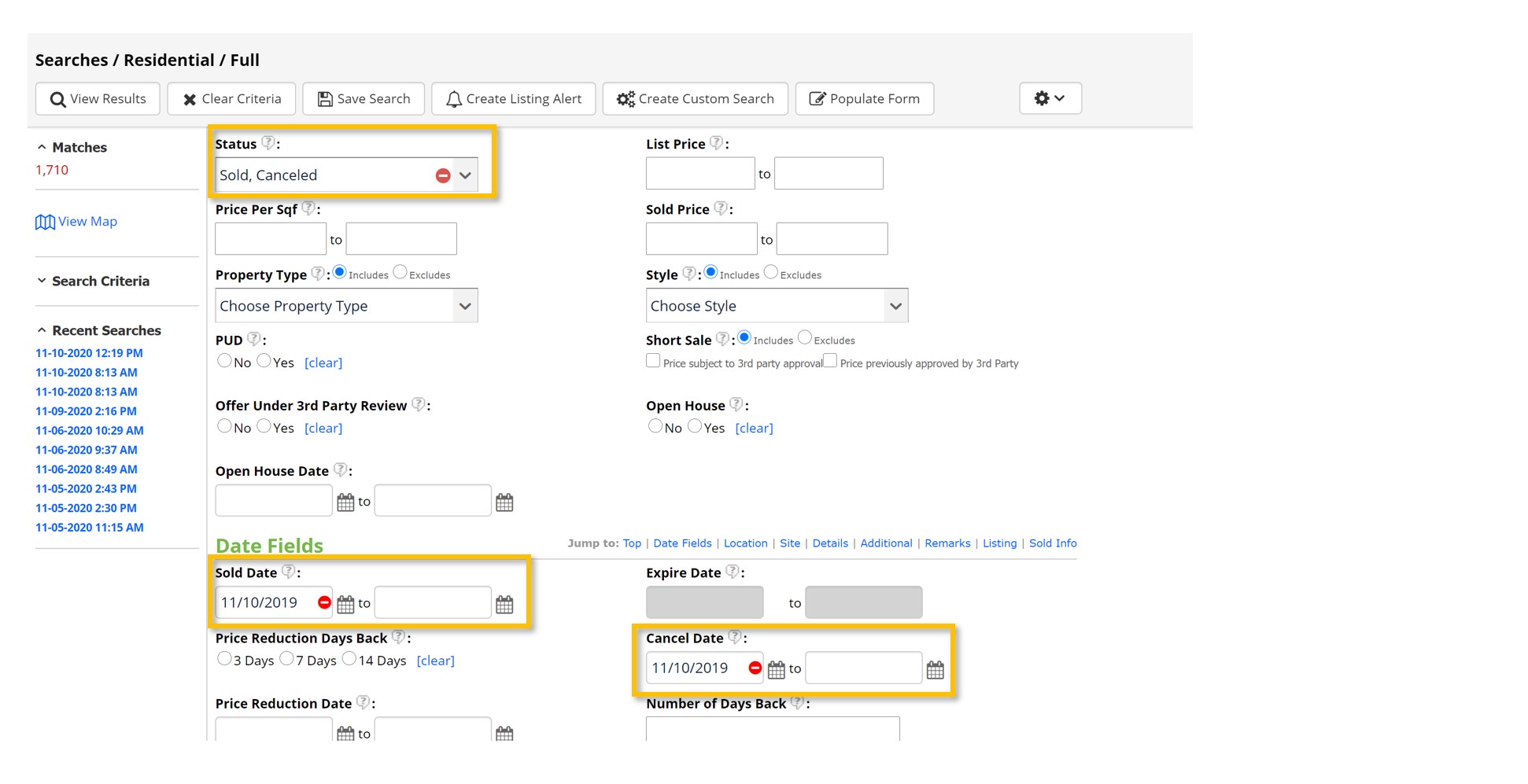
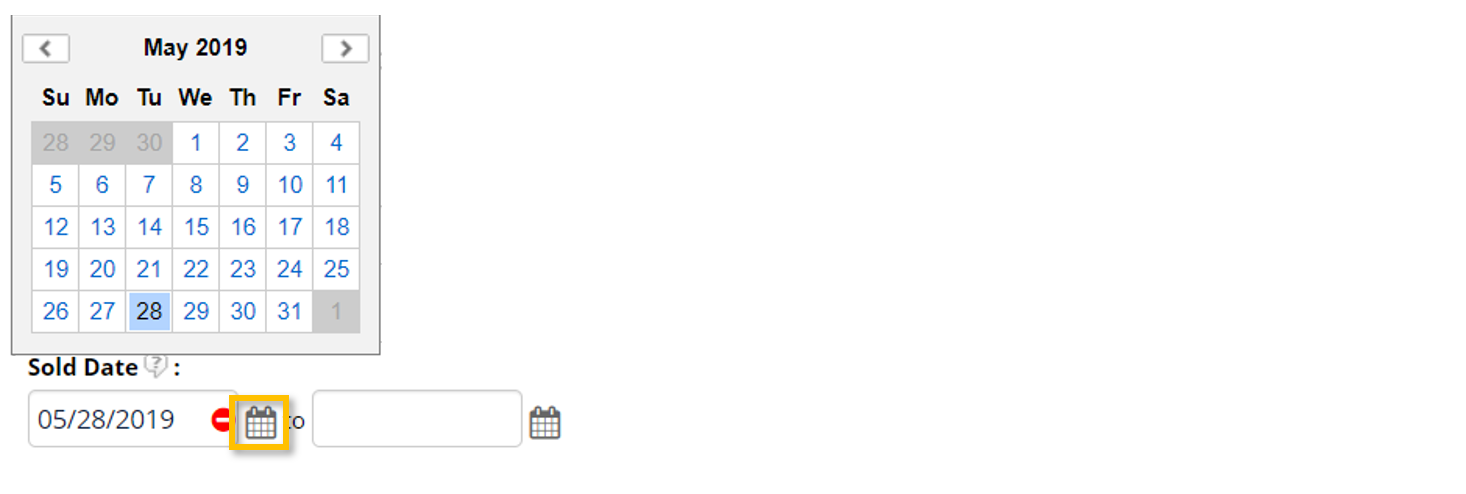
To change the date, click on the calendar icon or manually type the date(s) in the desired field(s).
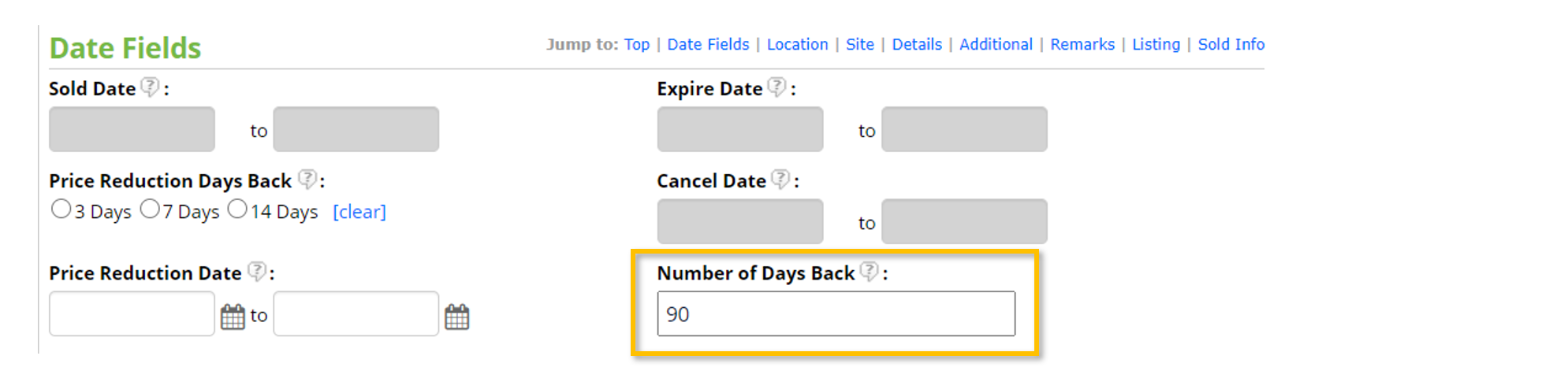
Instead of using a date range, Number of Days Back can be used with any status (or combination of statuses). Manually enter the number of days back you wish to search. If this box is left blank, you will be searching default 365 days back.
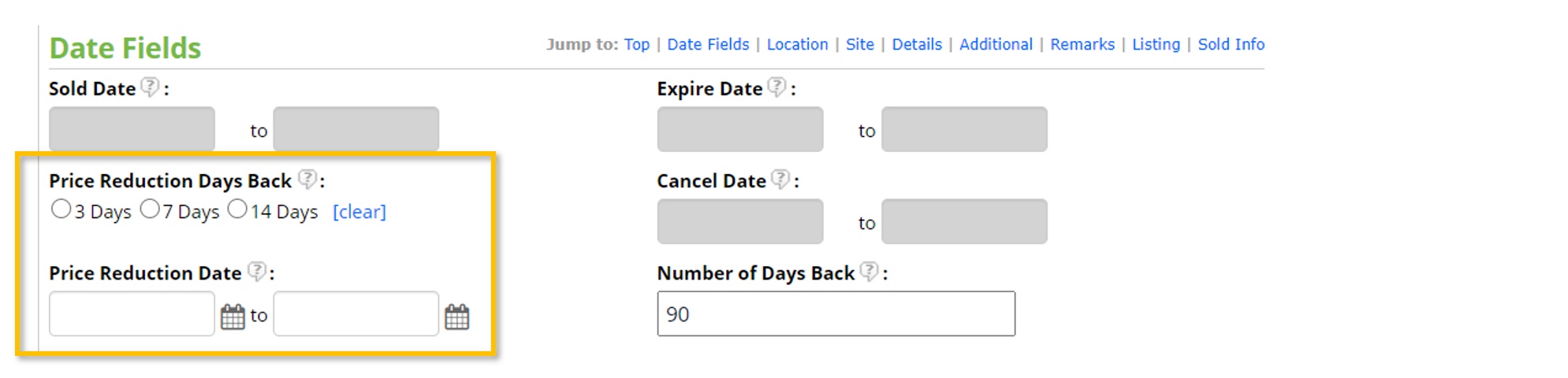
Use the Price Reduction fields to search all listings reduced in price within a given time frame. Choose between 3, 7, and 14 days back or enter a custom date range.
Once all search criteria have been entered, select View Results to view and work with the listings you’ve found.


