Customizing Your Dashboard Widgets
How Do I Customize the Appearance of My Dashboard Widgets?
The widgets on your dashboard can be organized, collapsed, and expanded to suit your preferences.
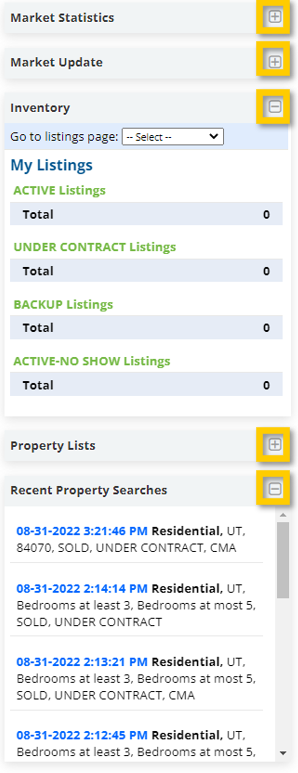
Step 1. Select the + symbol on the right side of any widget you want expanded, and the – symbol on the right side of any widget you want collapsed/minimized.
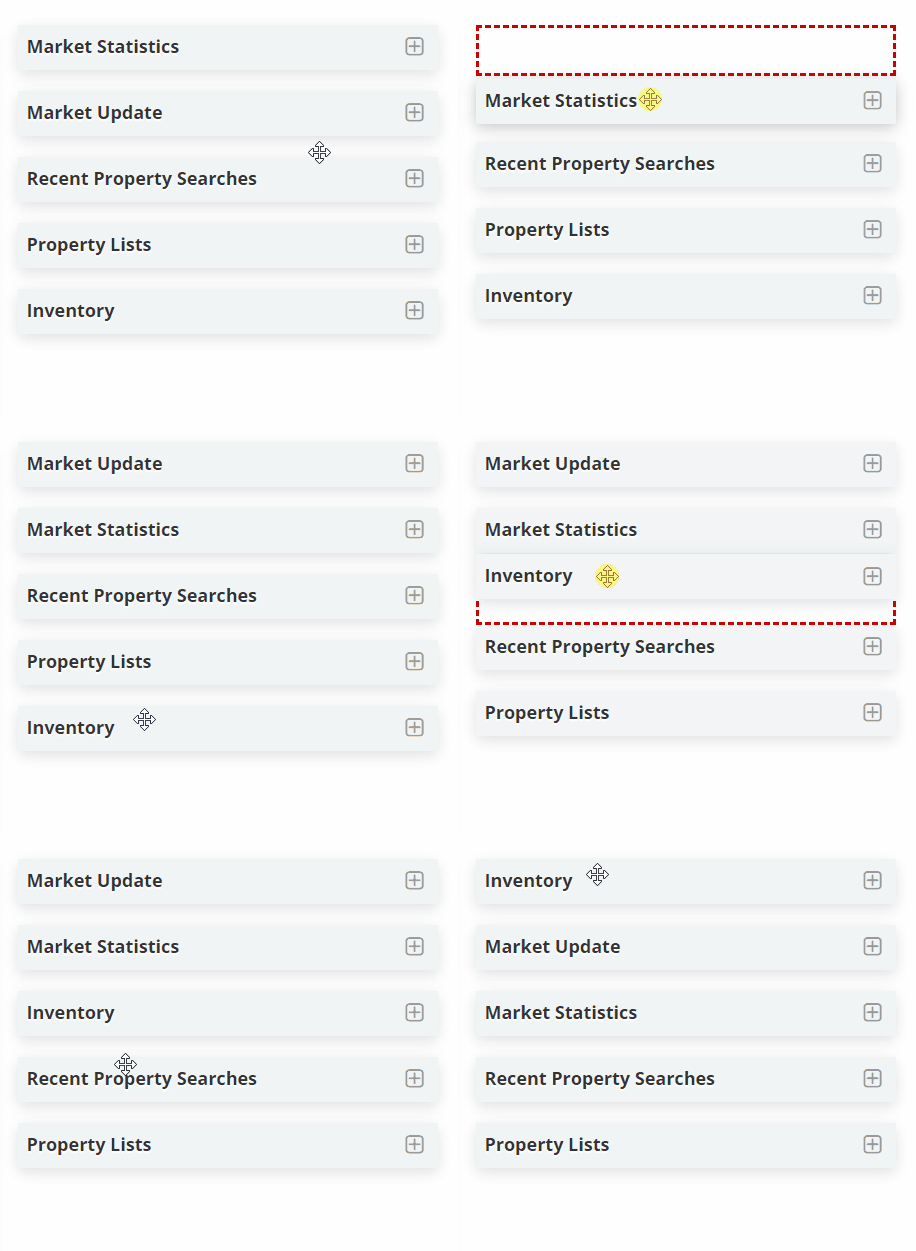
Step 2. Rearrange the order of your dashboard widgets by clicking on the header of any widget you would like to move. Click and drag the widget into the position you prefer, only releasing the mouse when it’s in the preferred position.