Number of Views on a Listing (Analytics Report and Listtrac)
How do I See the Number of Times my Listing Has Been Viewed?
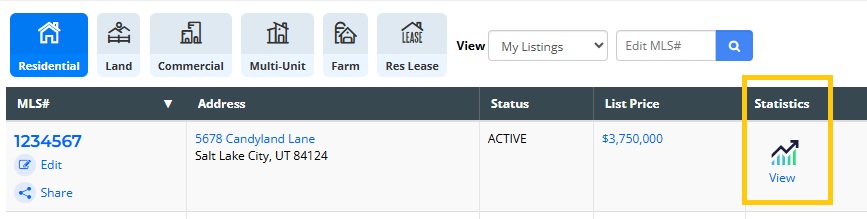
The Analytics Report shows how many times your listing has been viewed on UtahRealEstate.com. To access this report, click on the number under the Statistics column on the listing inventory page:
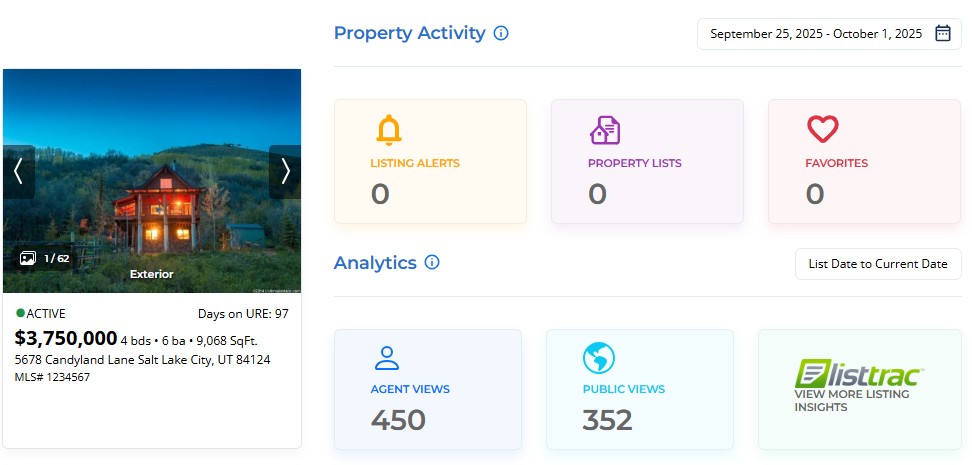
- Listing Alerts counts how many times your listing has been sent in Listing Alert results.
- Property Lists indicates how many times your listing has been added to a Property List
- Favorites counts the number of times a listing has been added as a Favorite (both agent and public).
- Agent Views counts the number of views from MLS members (agents, brokers, and appraisers).
- Public Views counts the number of views from clients and other public users.
The counts for the Agent Views and Public Views are shown from the date the listing was published (the “list date”) until the current date.
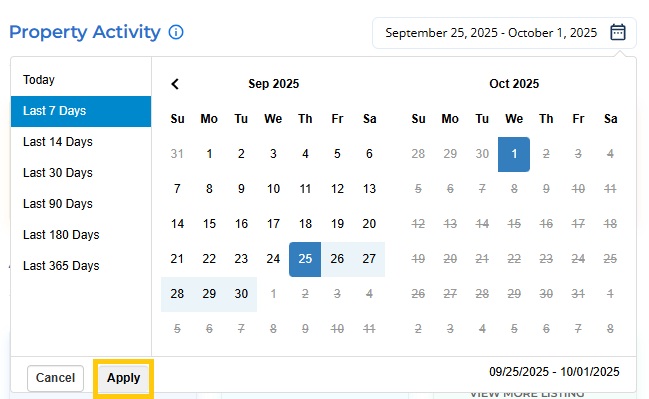
The Property Activity section displays the last week of data by default. To adjust the time span shown, click on the dates field at the top right.
Can I See Listing Views for Websites other than UtahRealEstate.com?
Your free Listtrac account is a member benefit of UtahRealEstate.com and provides data like views, inquiries, favorites and shares across multiple sites.
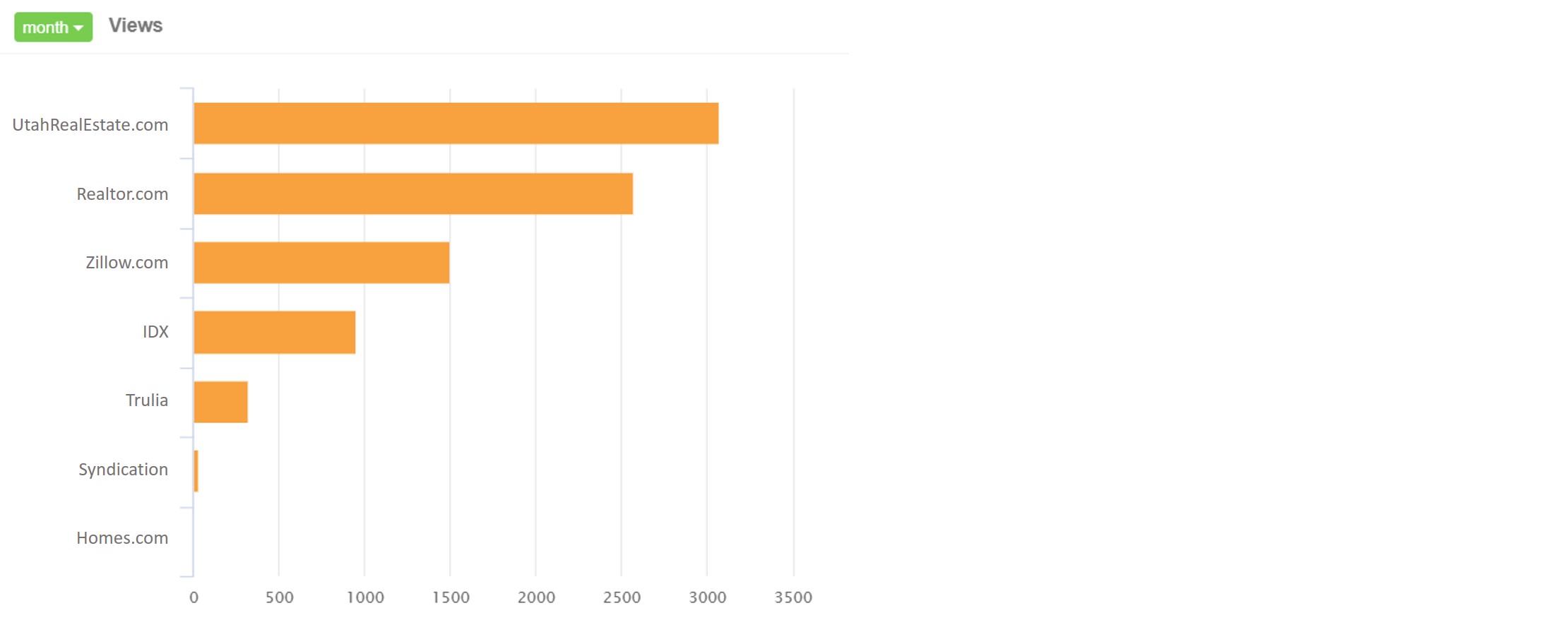
Note: You must be syndicating your listings from the MLS in order for Listtrac to collect data.
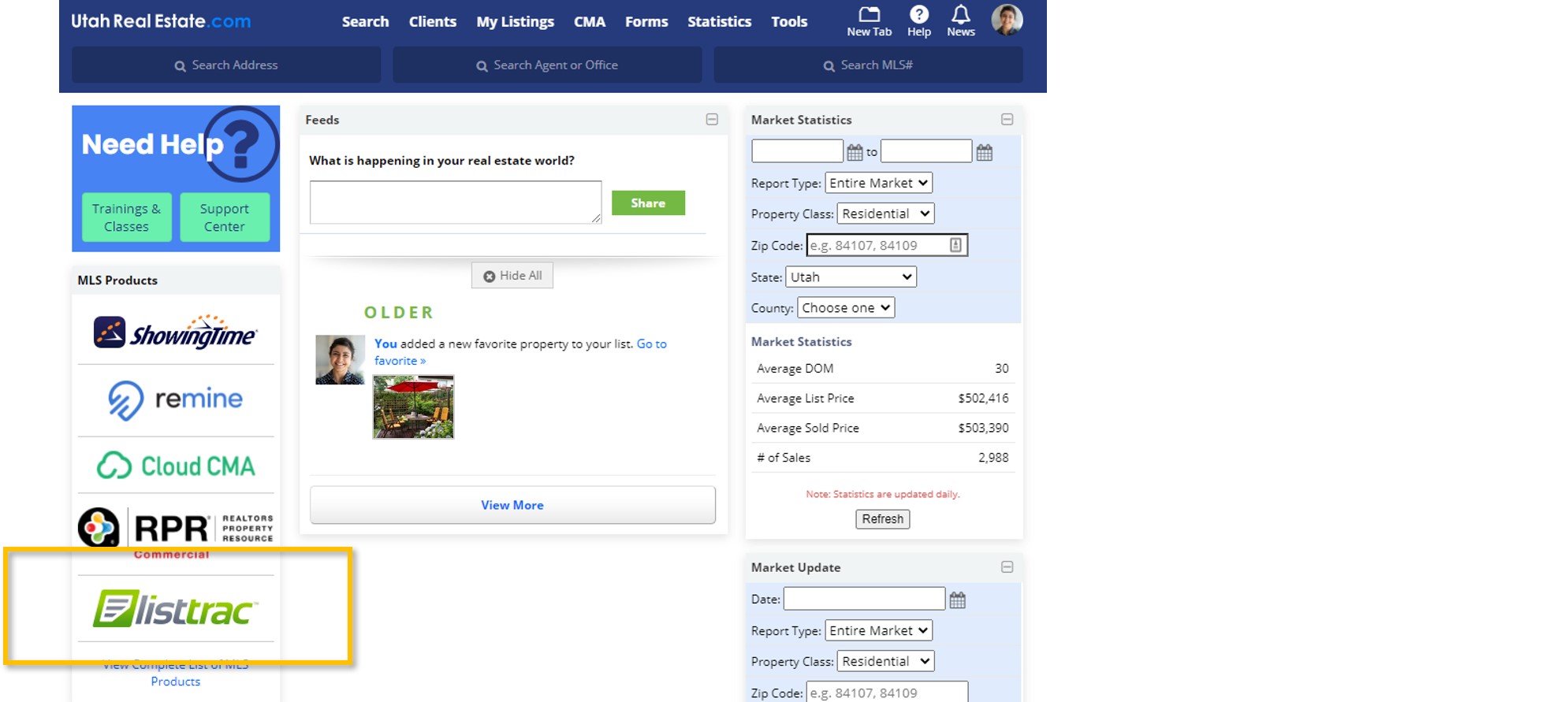
Access Listtrac from the Dashboard of the MLS, or select the Listtrac option from the Analytics Report.